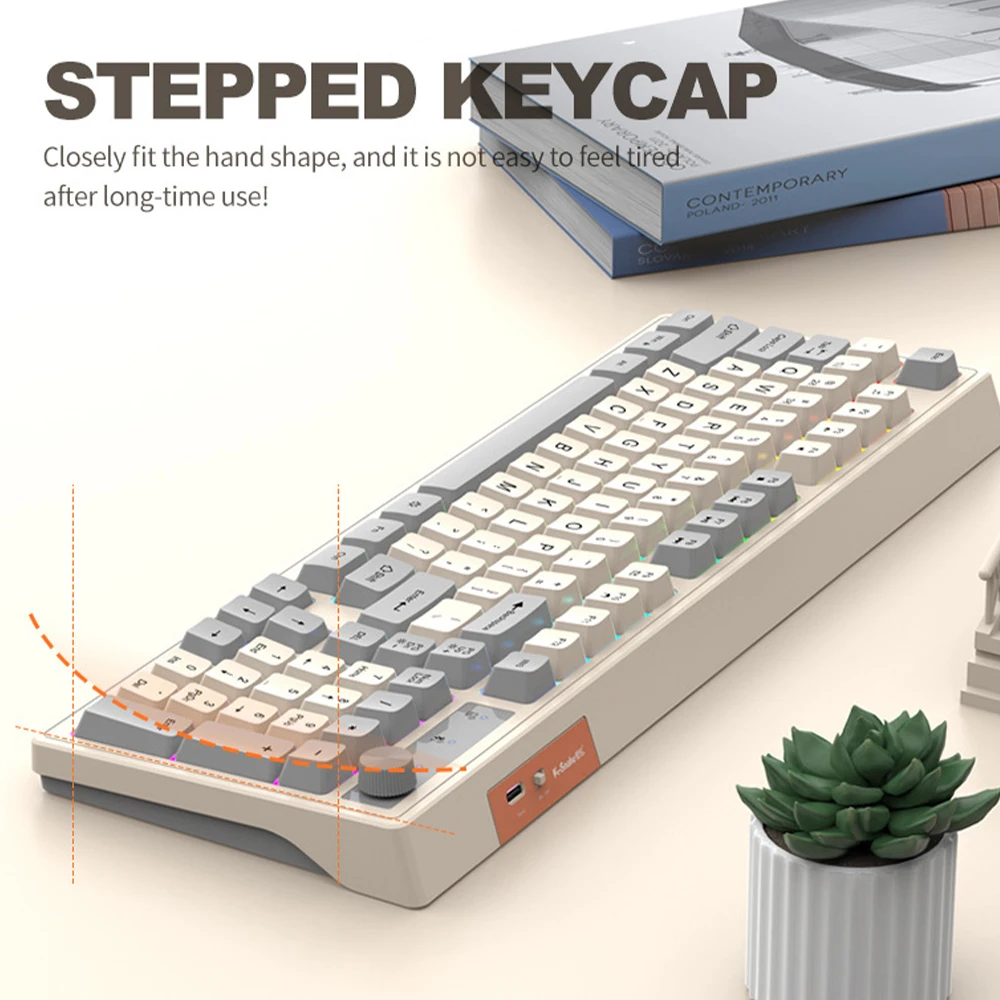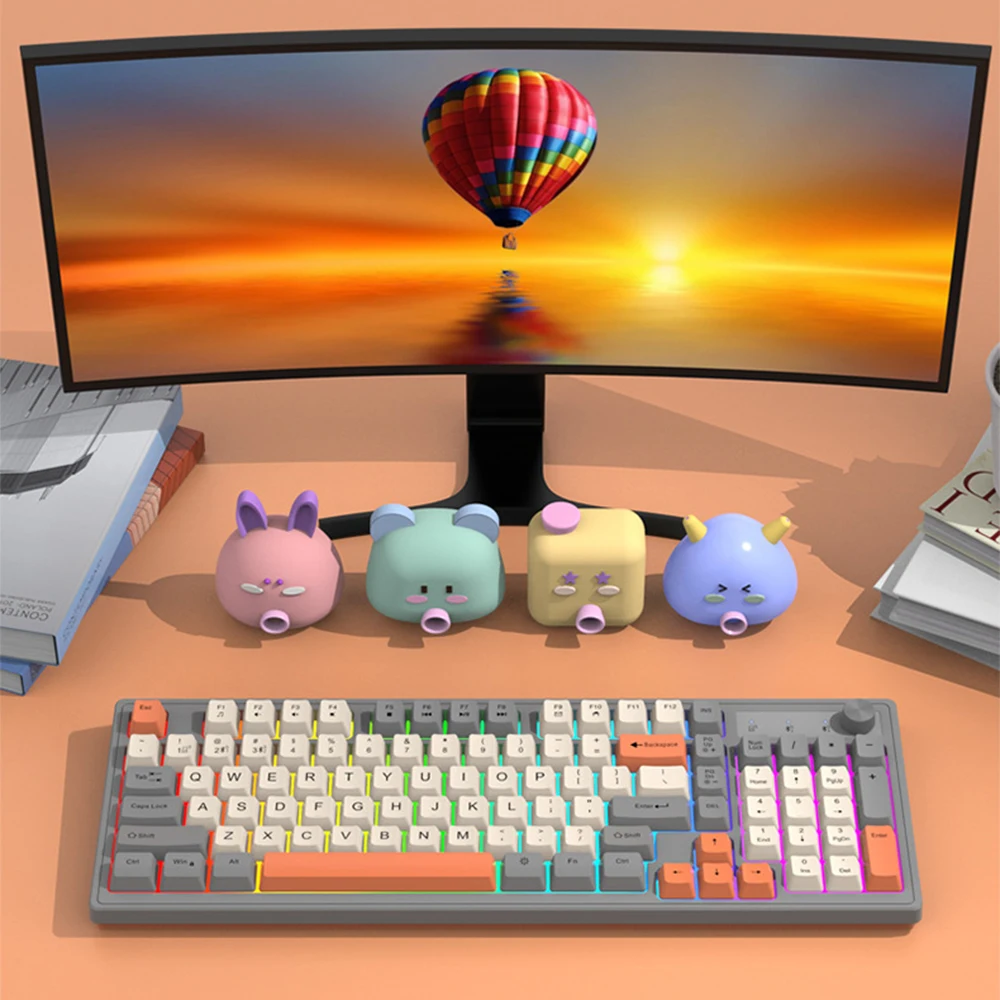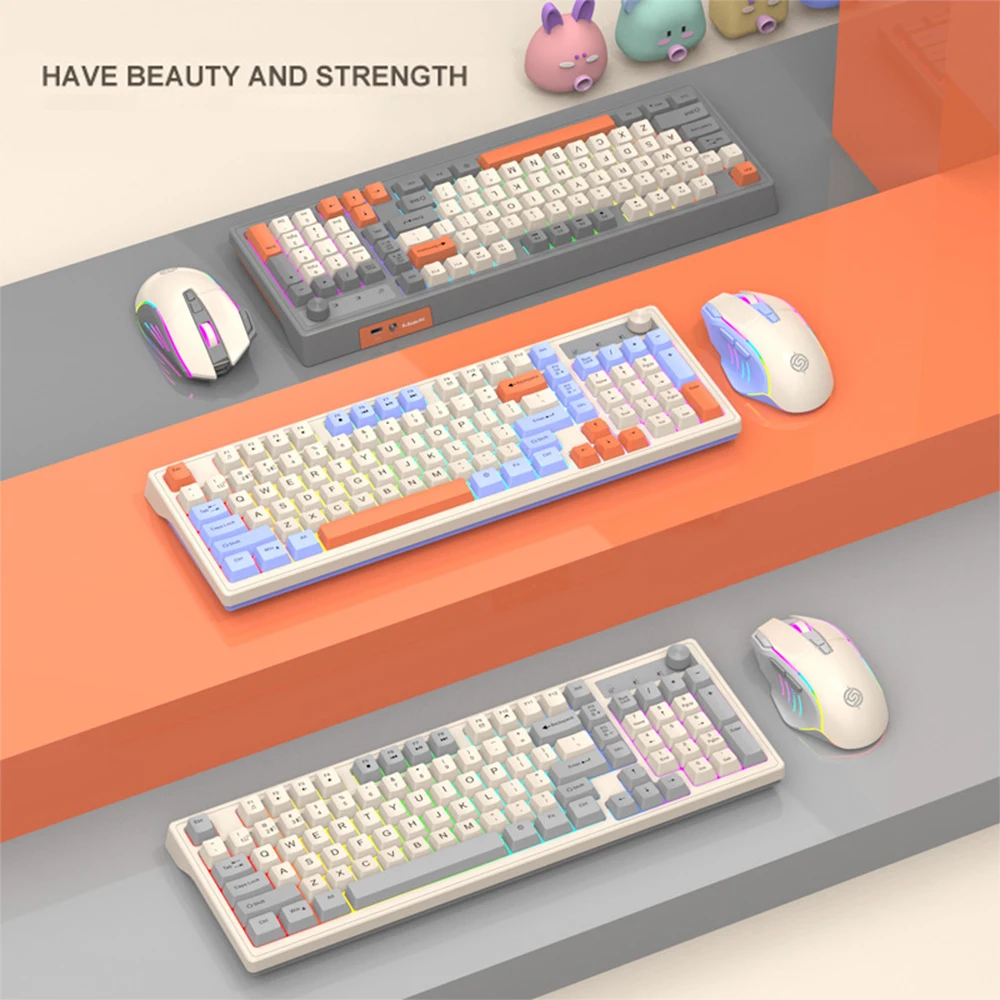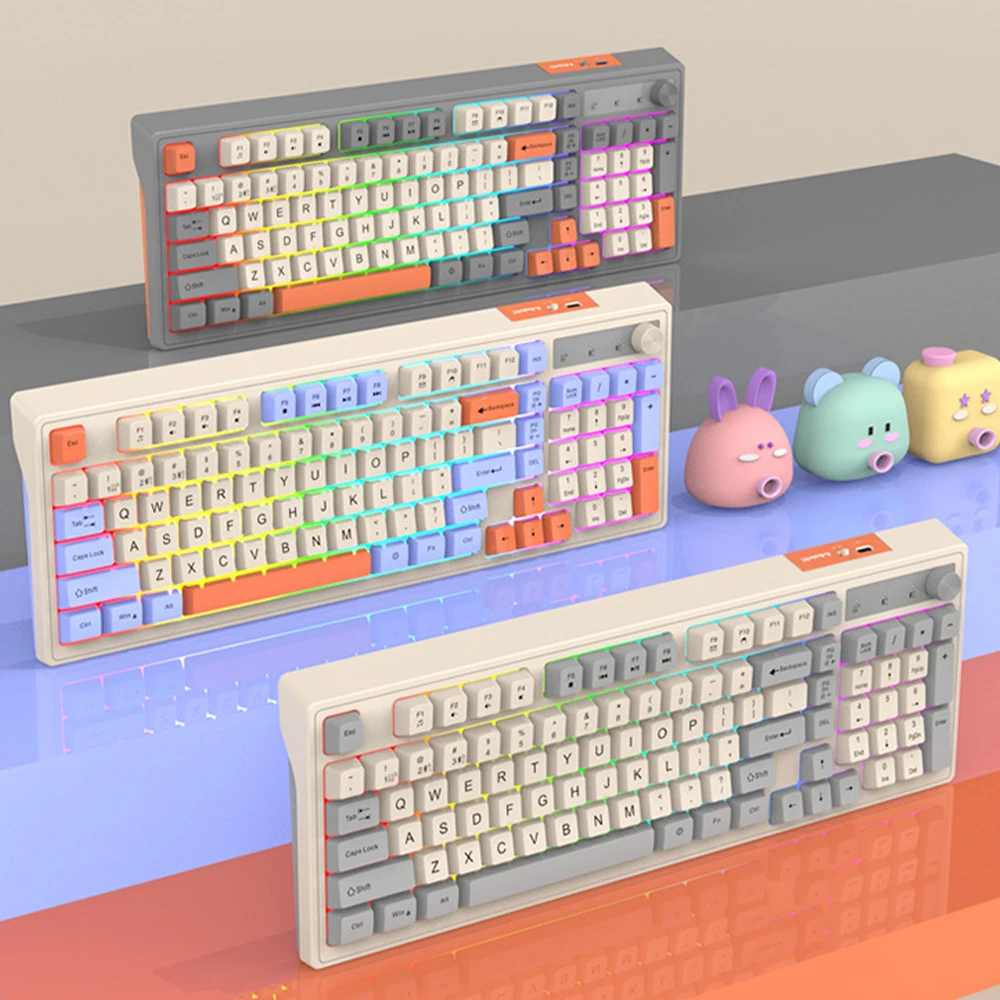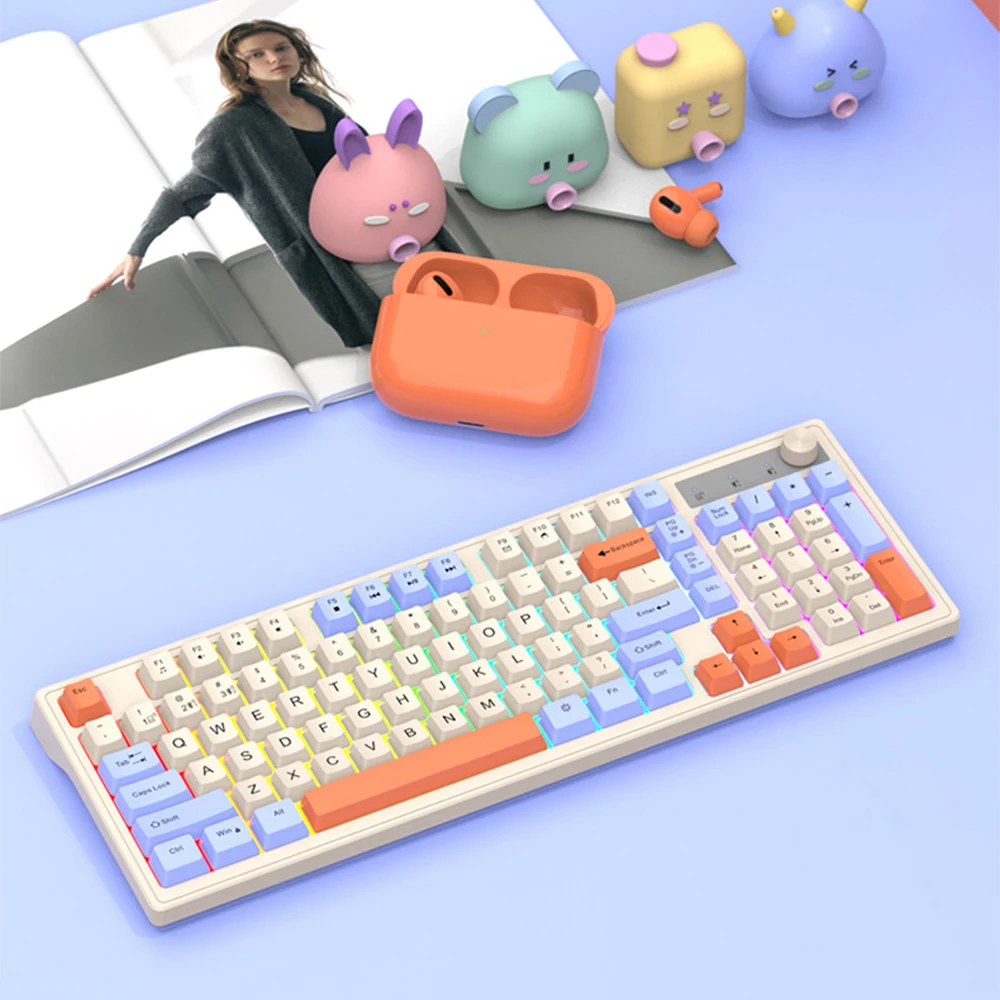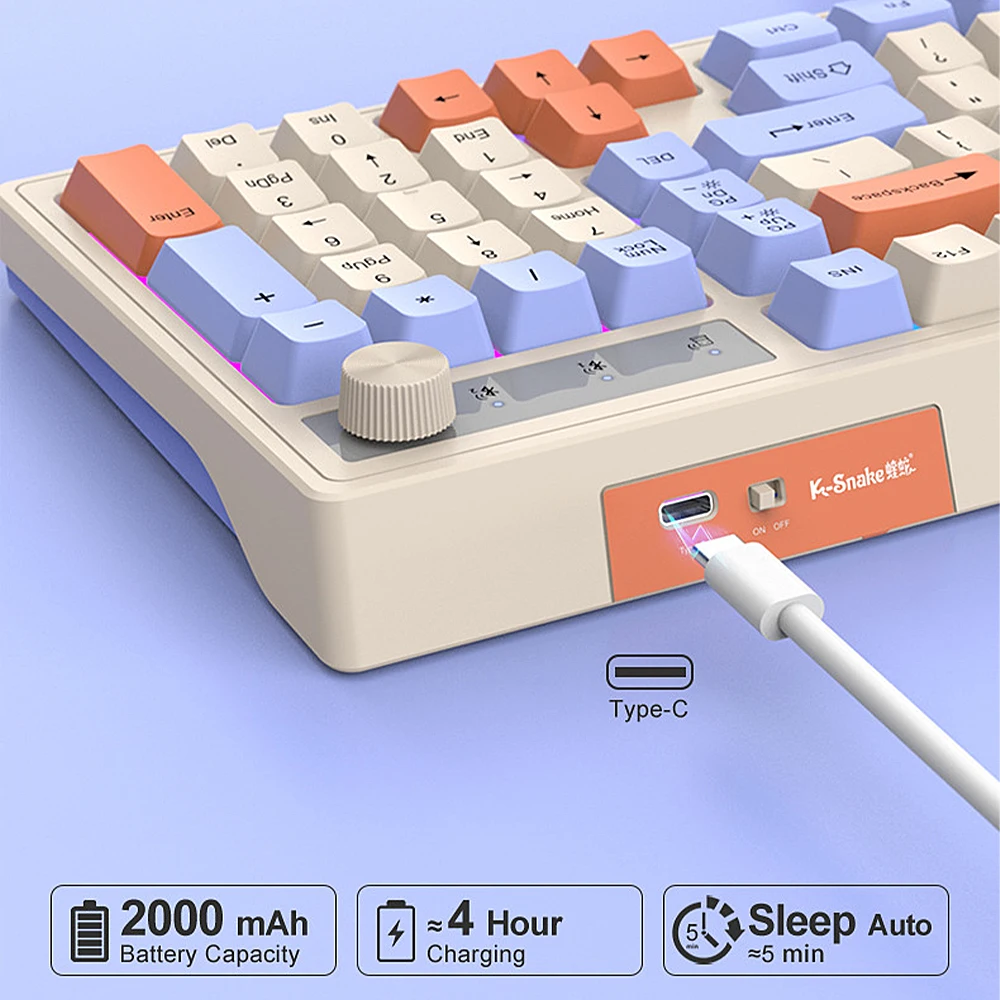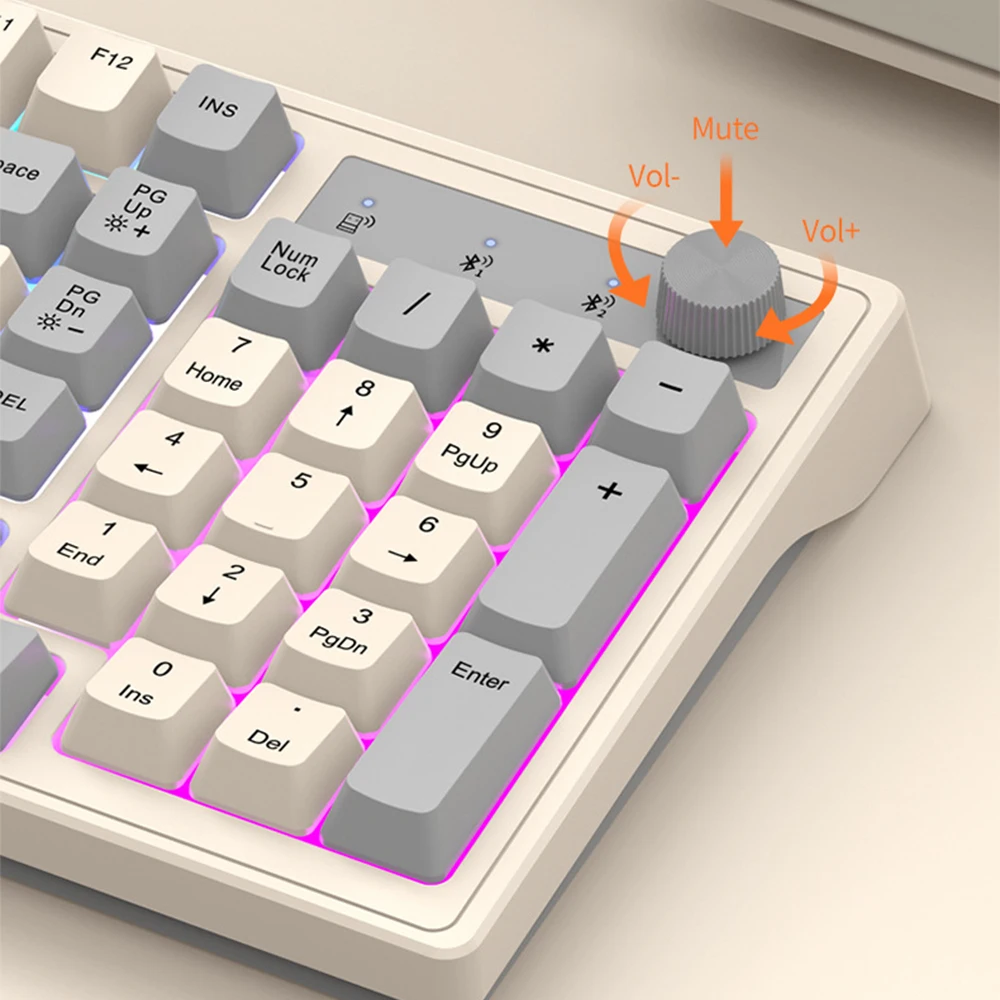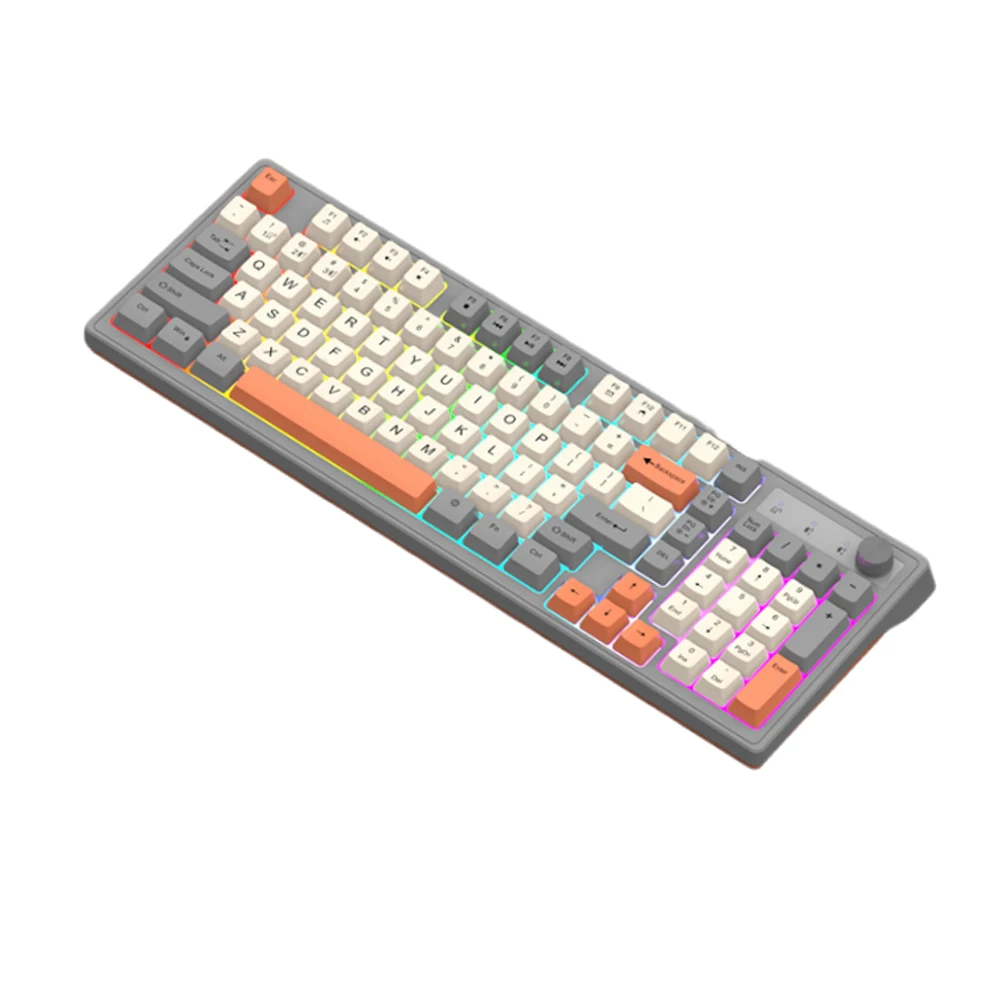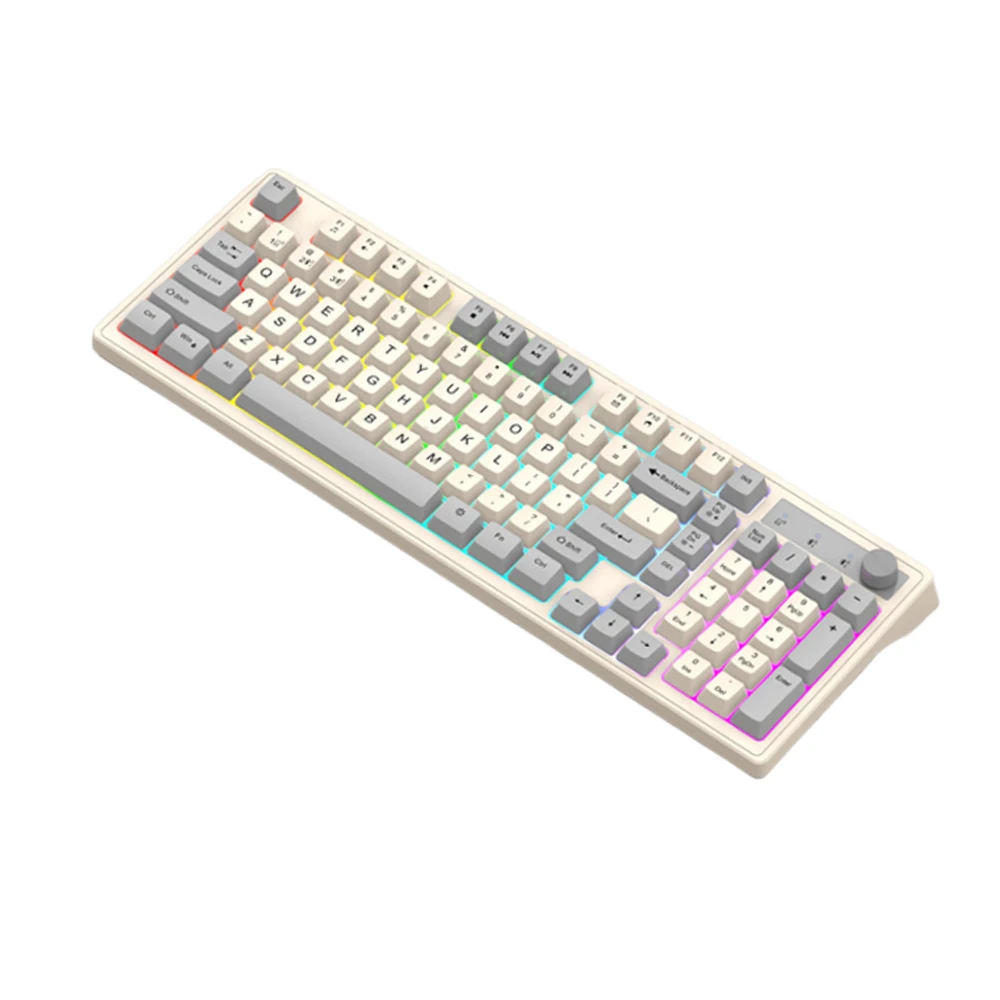
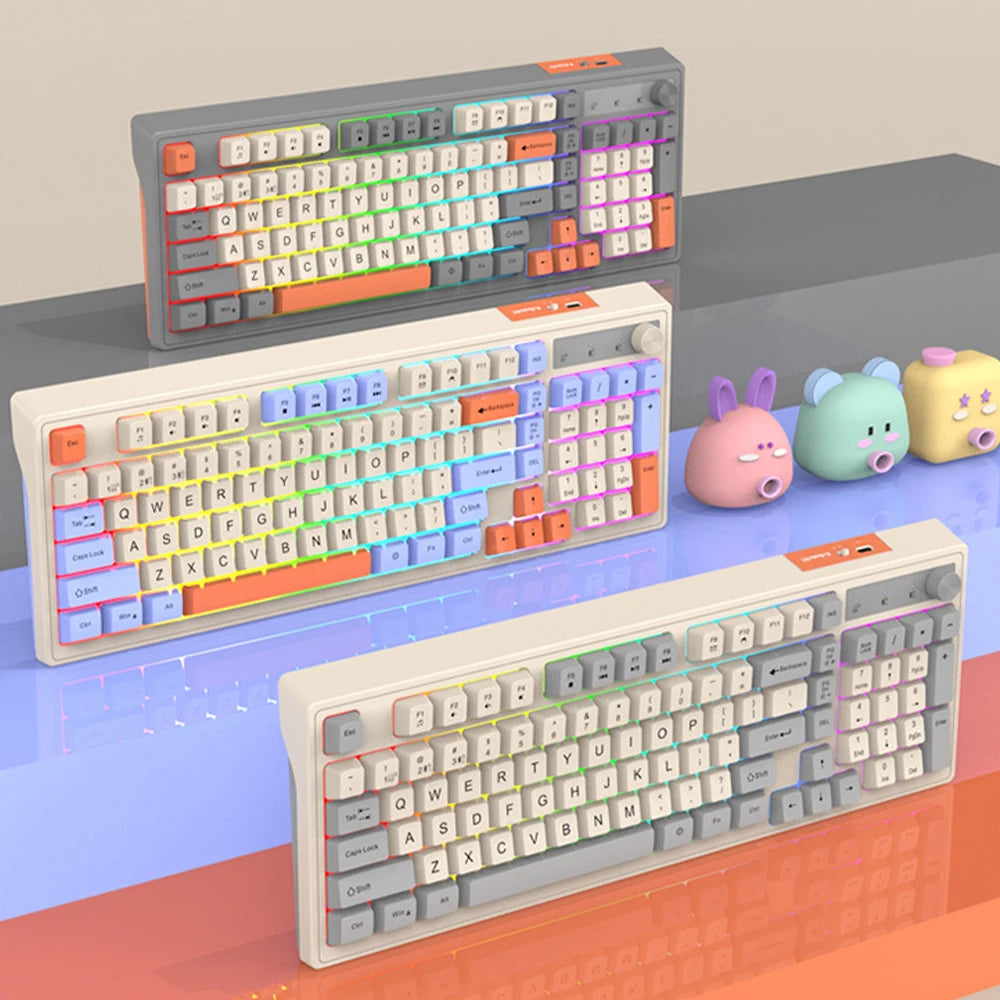
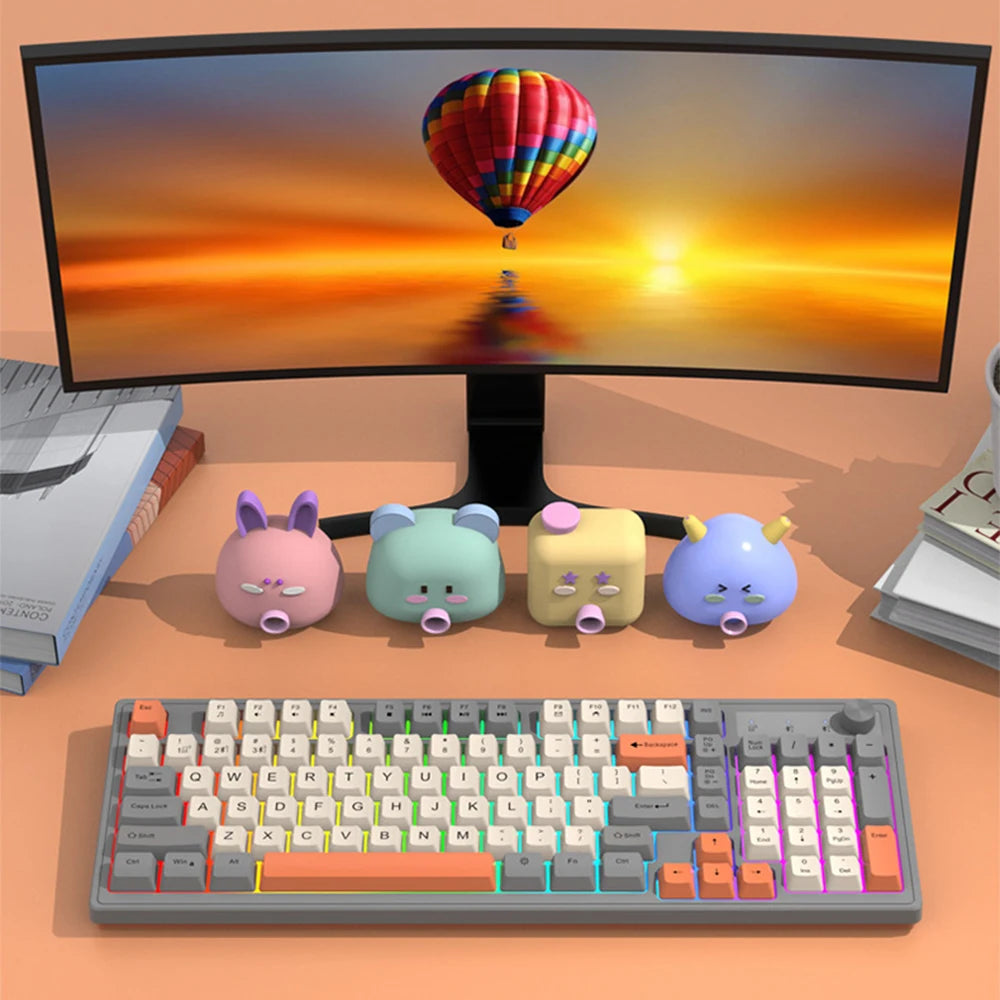
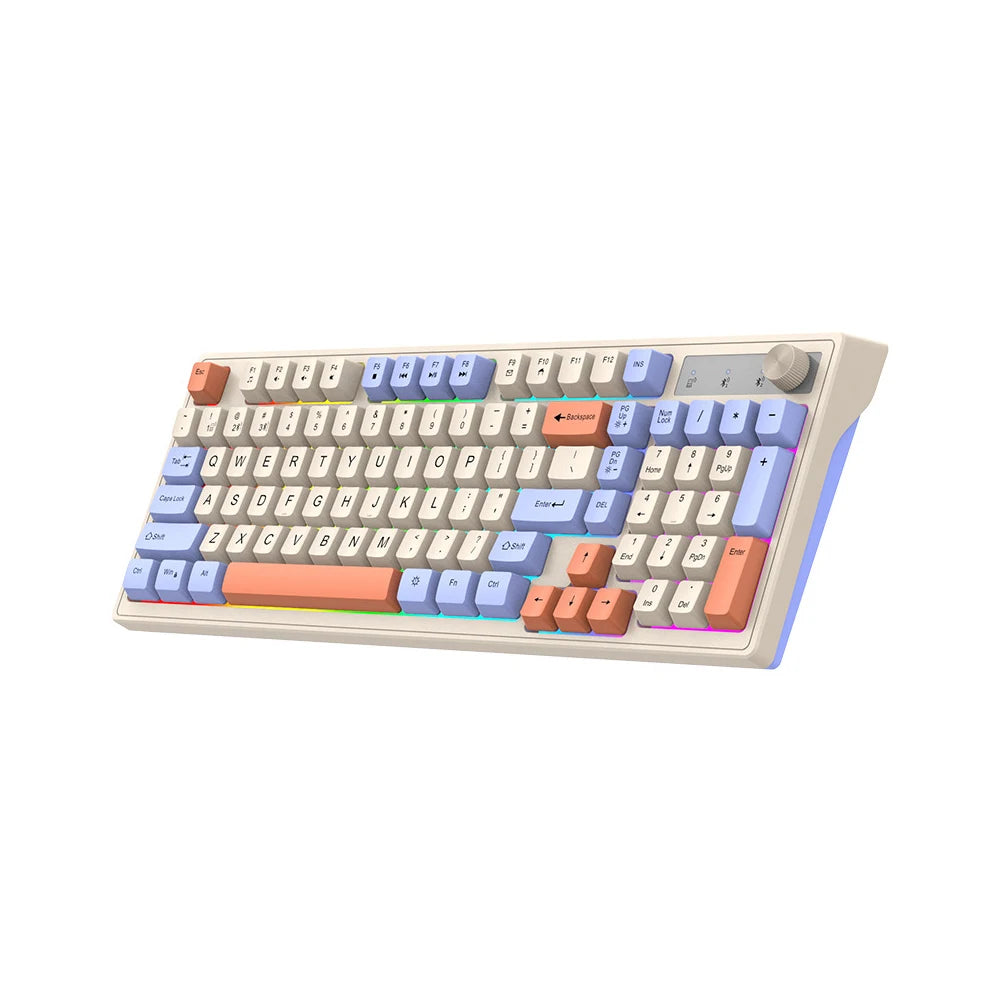
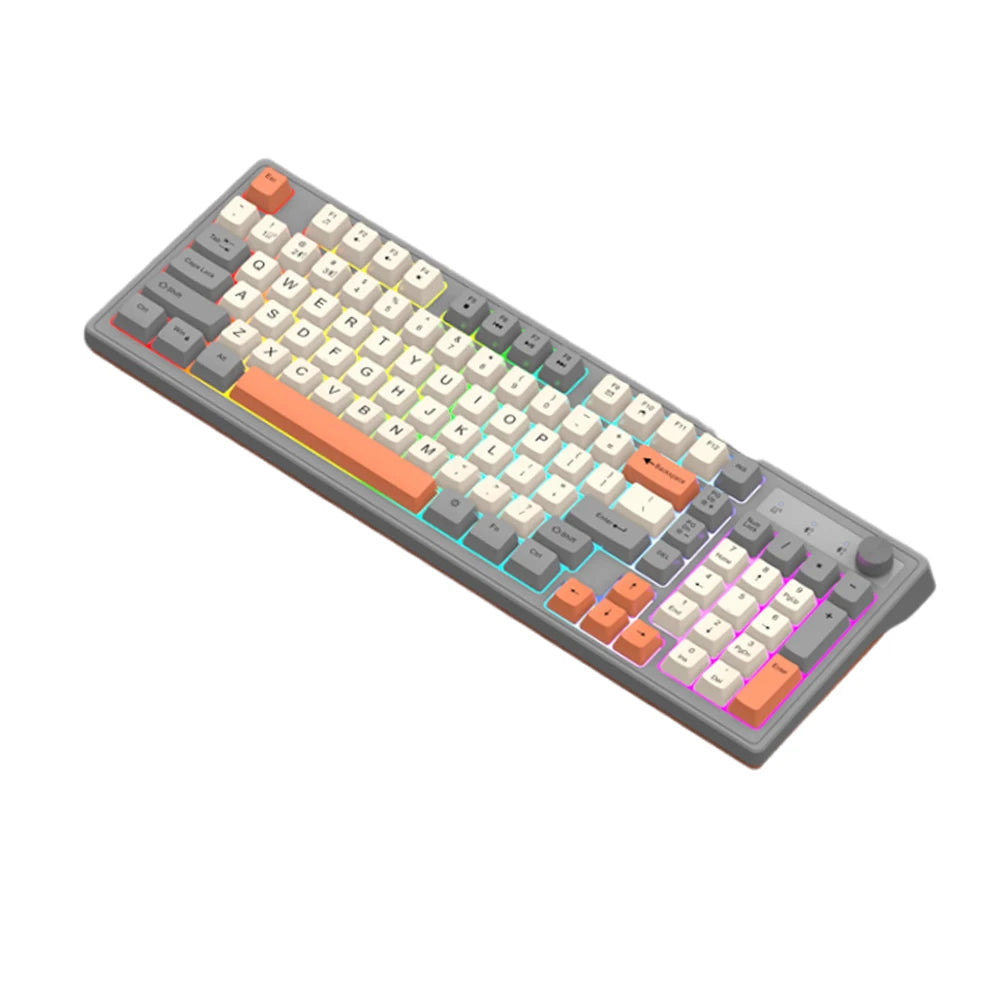
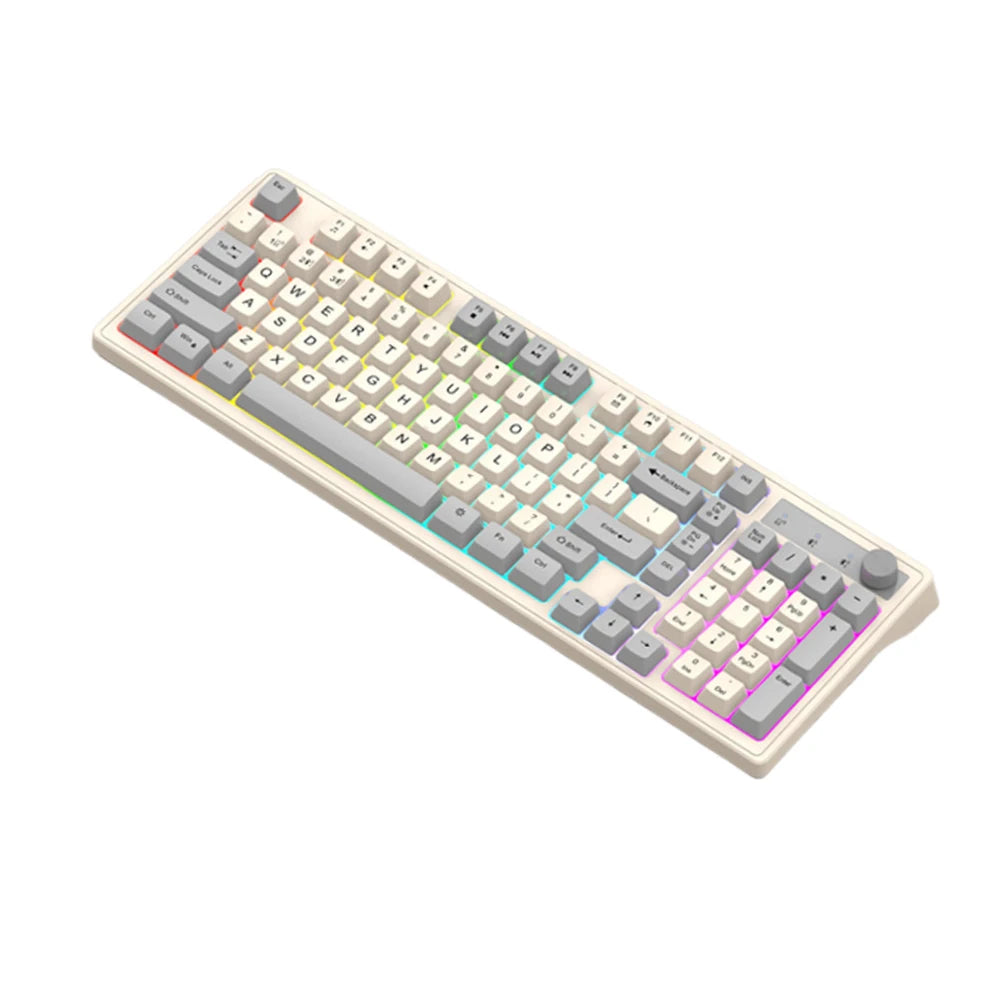
K98 Wireless Gaming Mechanical Feel Keyboard 2.4G+Bluetooth Dual-mode Backlight Desktop PC/Notebook Available Keyboard
SPECIFICATIONS
Application: Desktop,Laptop,Tablet
Backlight Type: MULTICOLOR
Battery Included: Yes
High-concerned chemical: None
Interface Type: USB
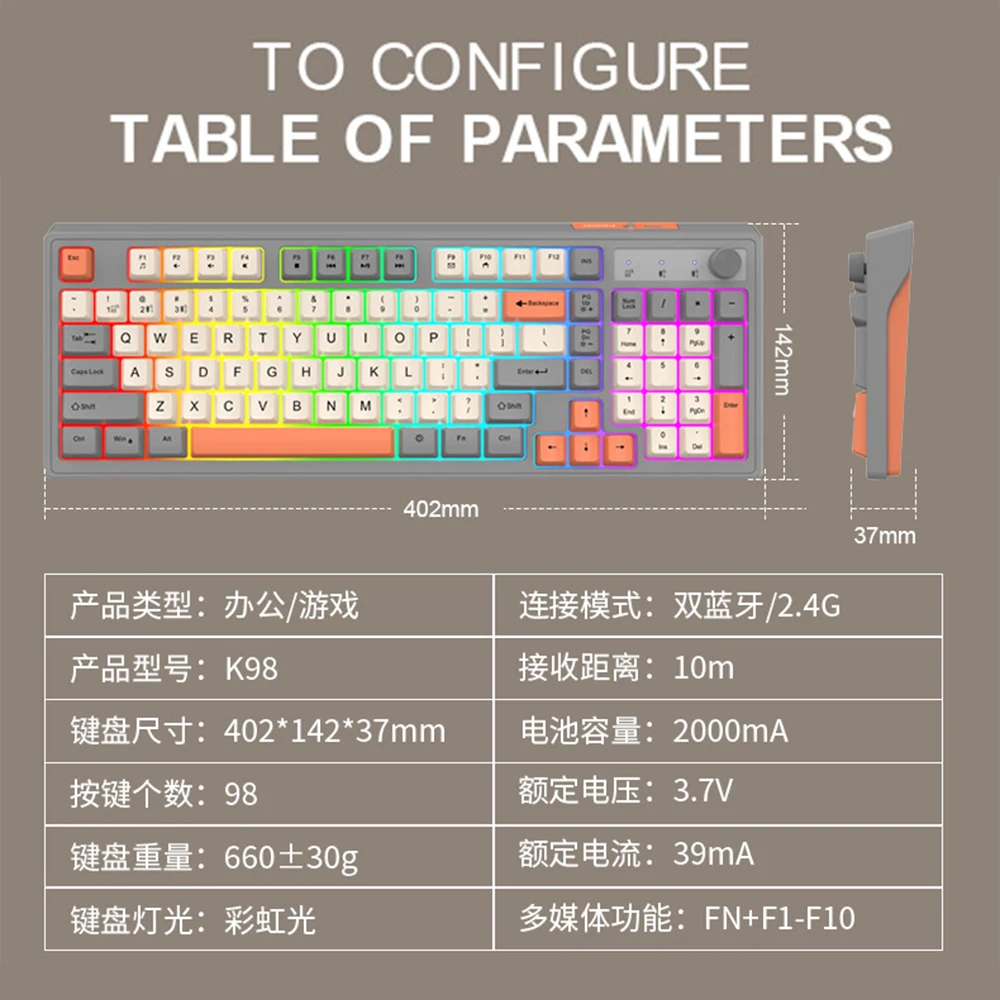
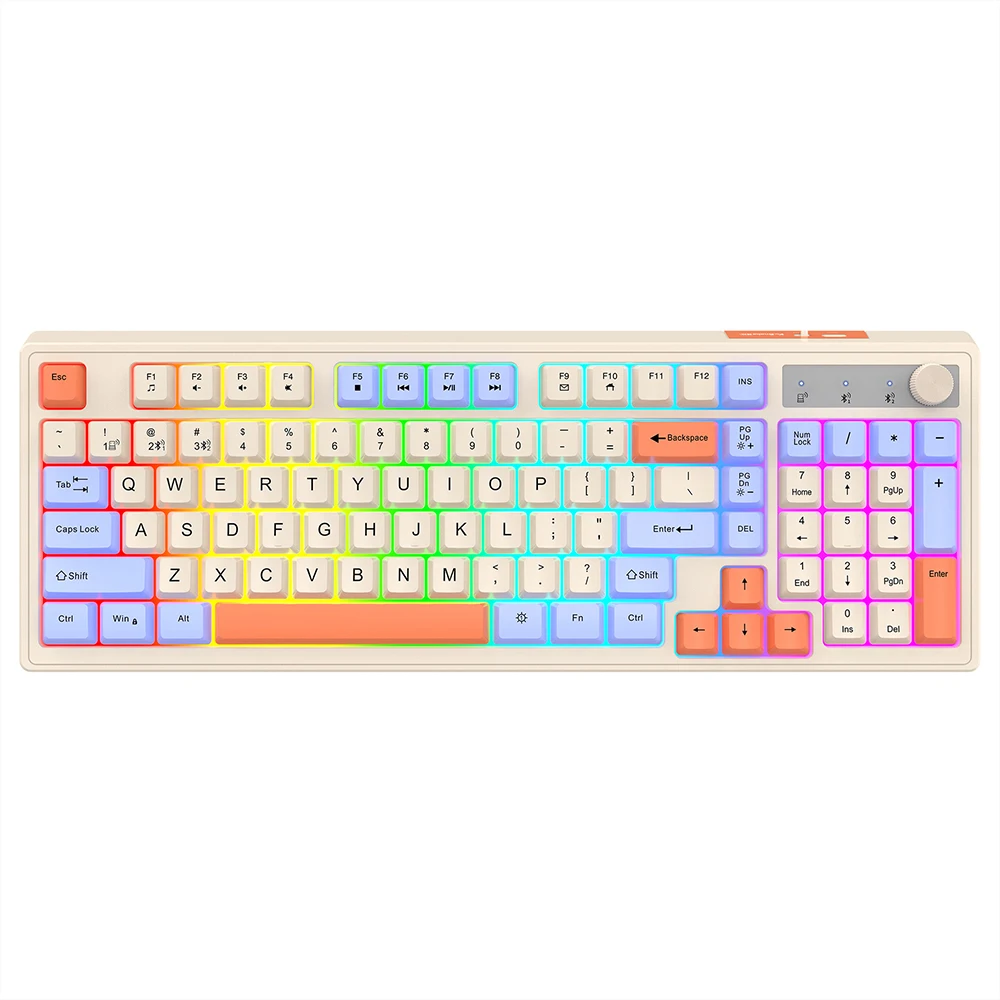
Keyboard Standard: 98 Keys
Language: English
Operation Style: Mechanical
Style: Standard
Type: Bluetooth Wireless
K98 Wireless Gaming Mechanical Feel Keyboard 2.4G+Bluetooth Dual mode with LED Light Desktop PC/Notebook Available Keyboard
2.4G connection method
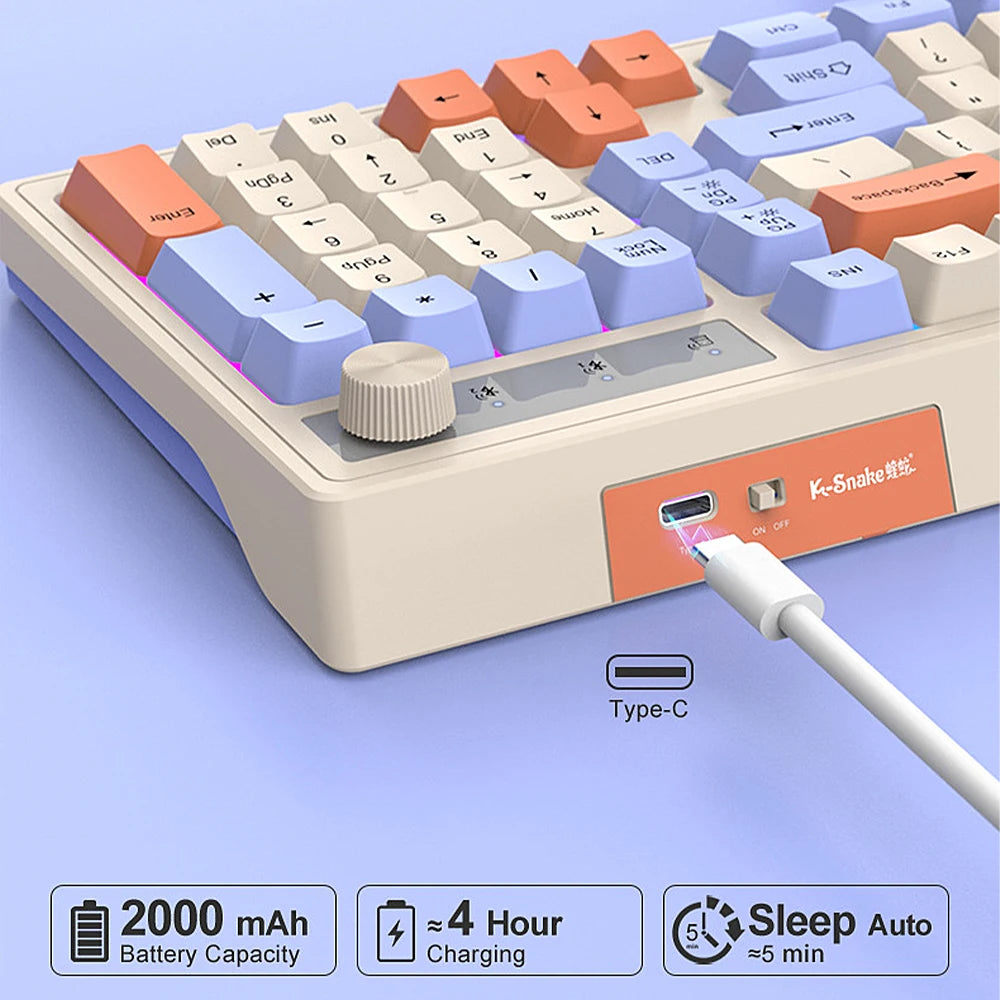
① Turn the keyboard switch to "ON"
② Connect the USB receiver to the computer's USB port
③ Press the keyboard combination key FN+1 to enter 2.4G mode
④ Wait for the system to automatically run for a while before using it
BT connection method
① Turn the keyboard switch to "ON"
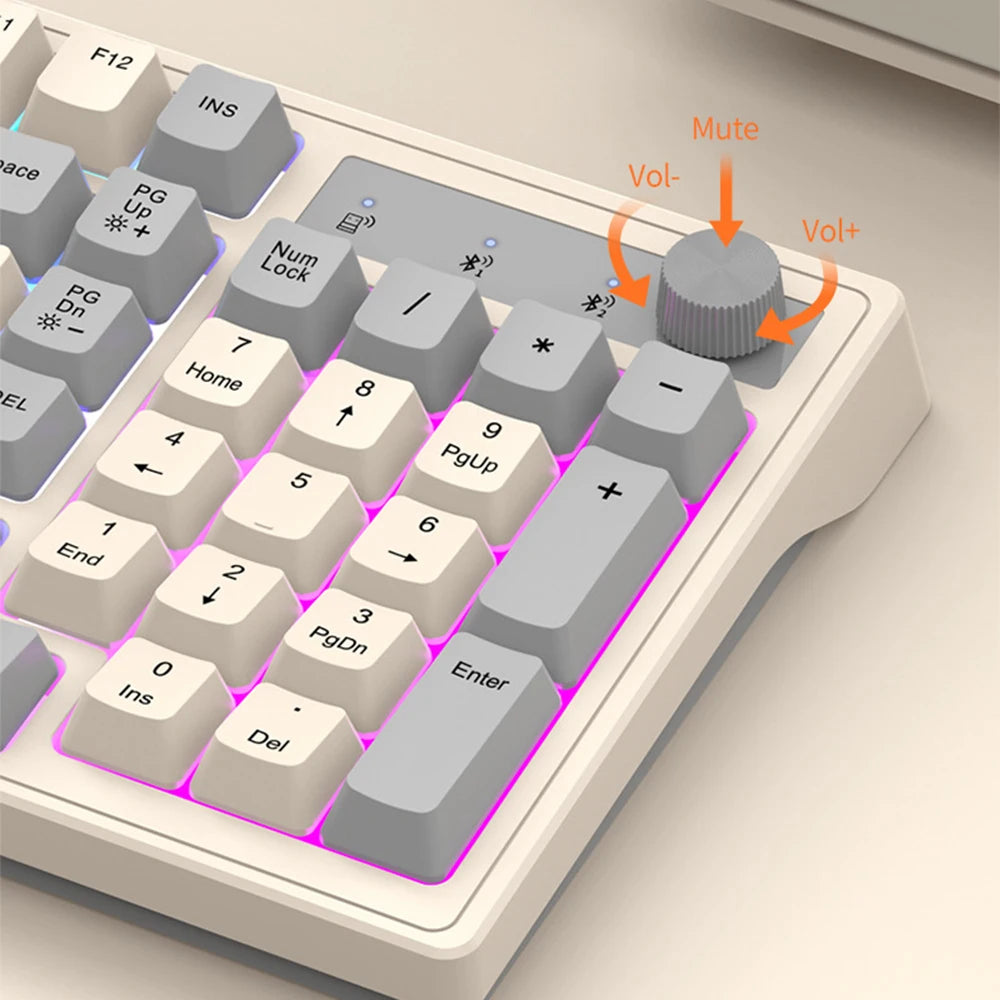
② Press the keyboard combination key FN+2/FN+3 to pair
③ After successful pairing, it can be used
② Connect the USB receiver to the computer's USB port
③ Press the keyboard combination key FN+1 to enter 2.4G mode
④ Wait for the system to automatically run for a while before using it