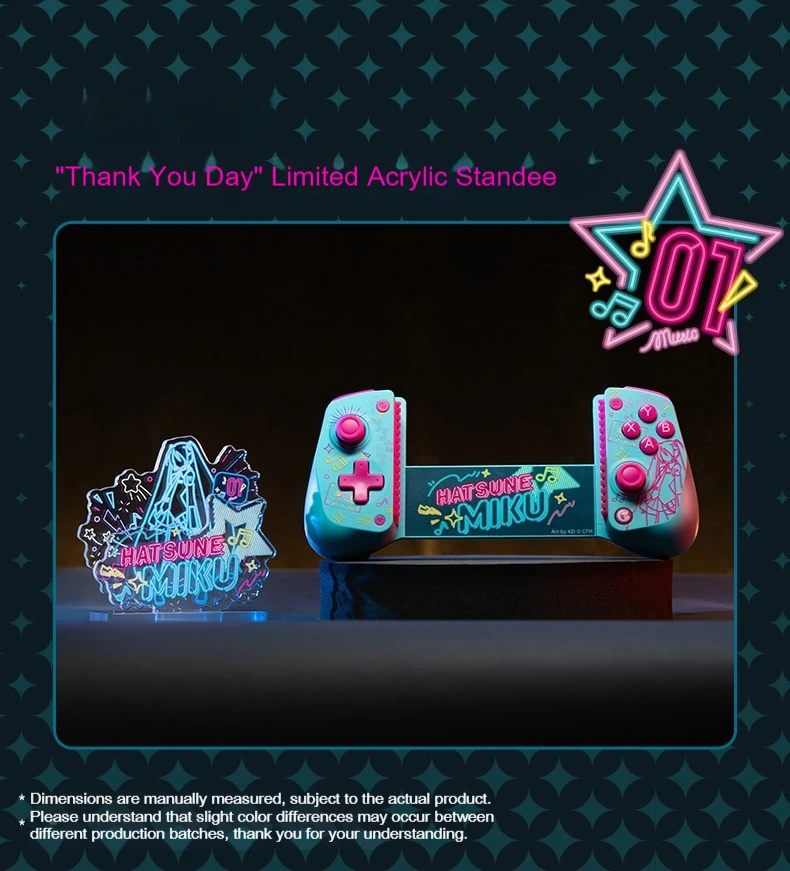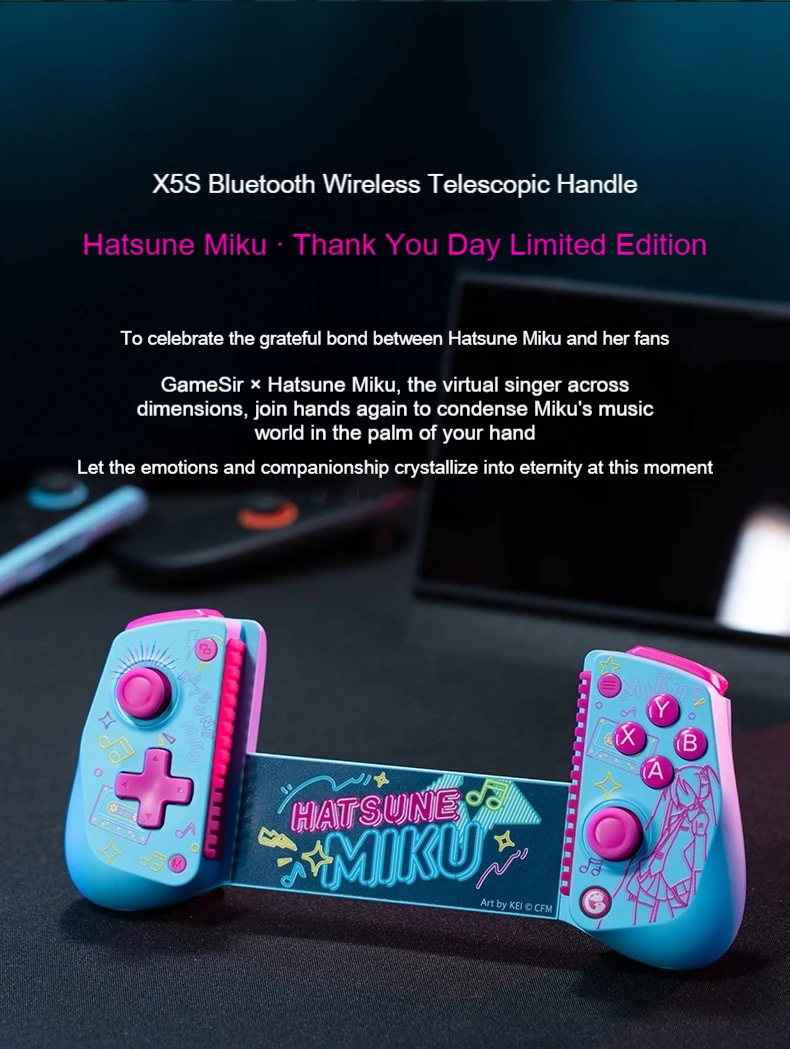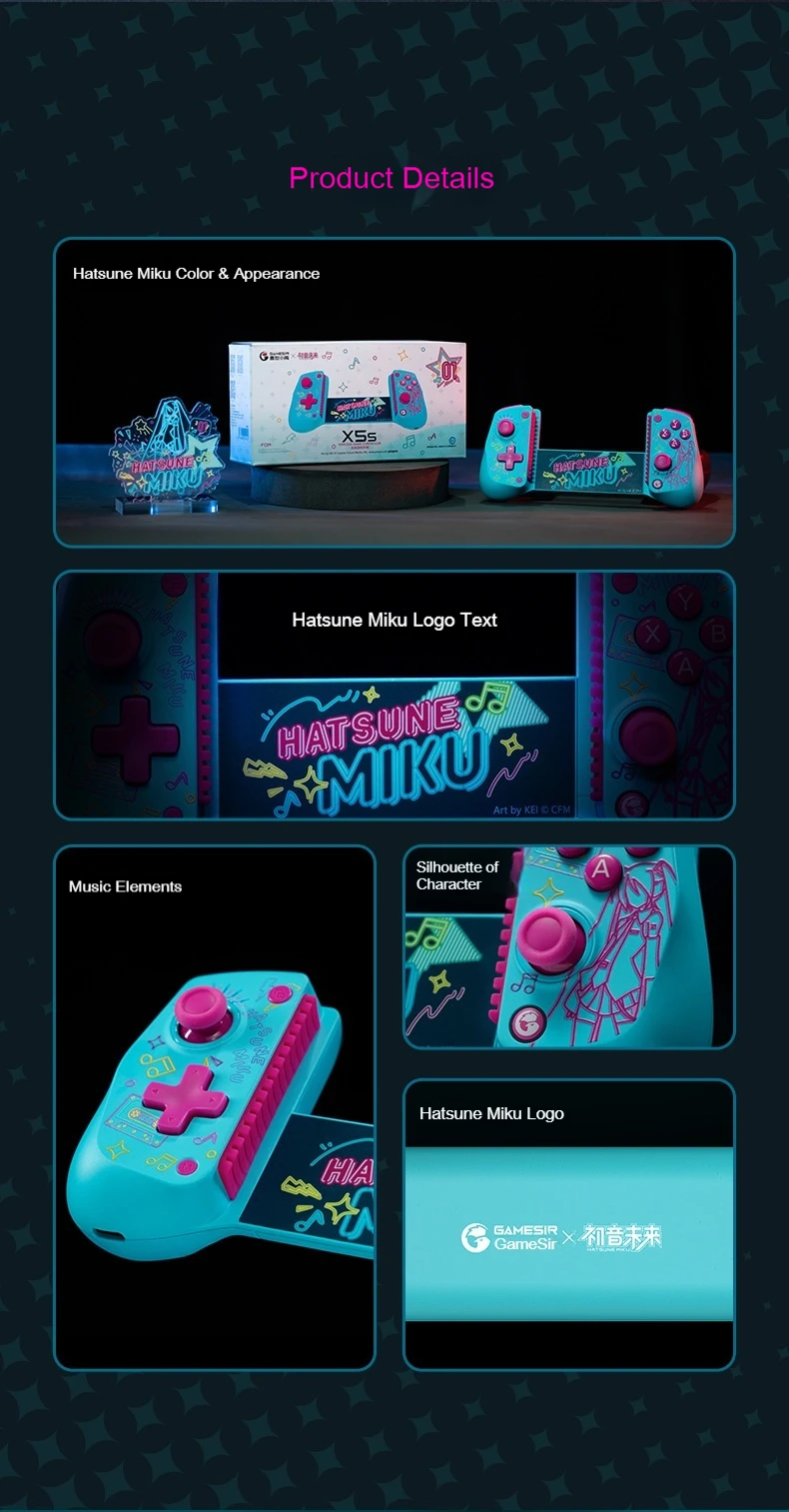

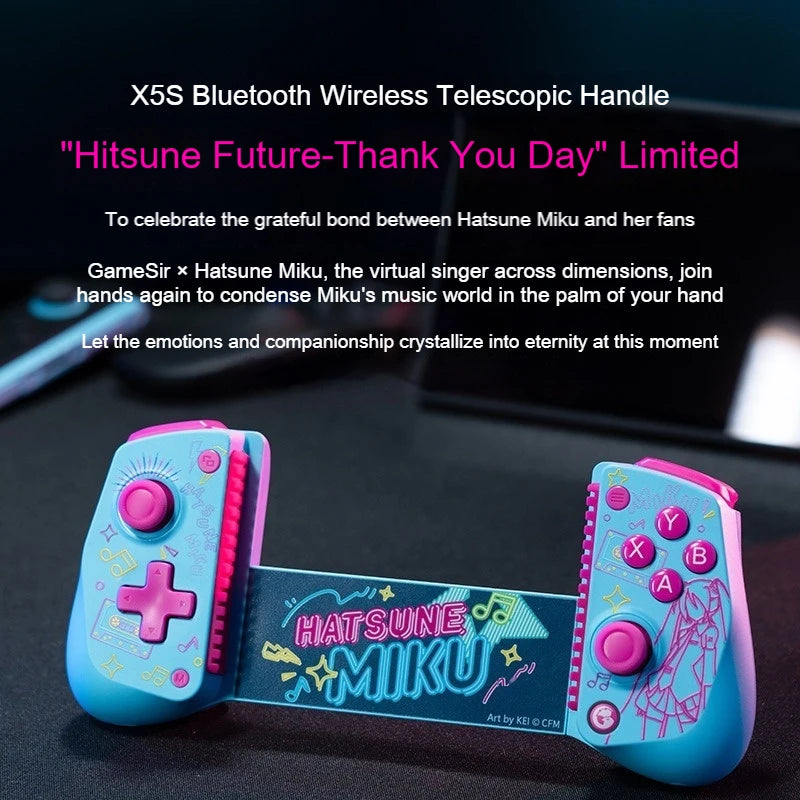
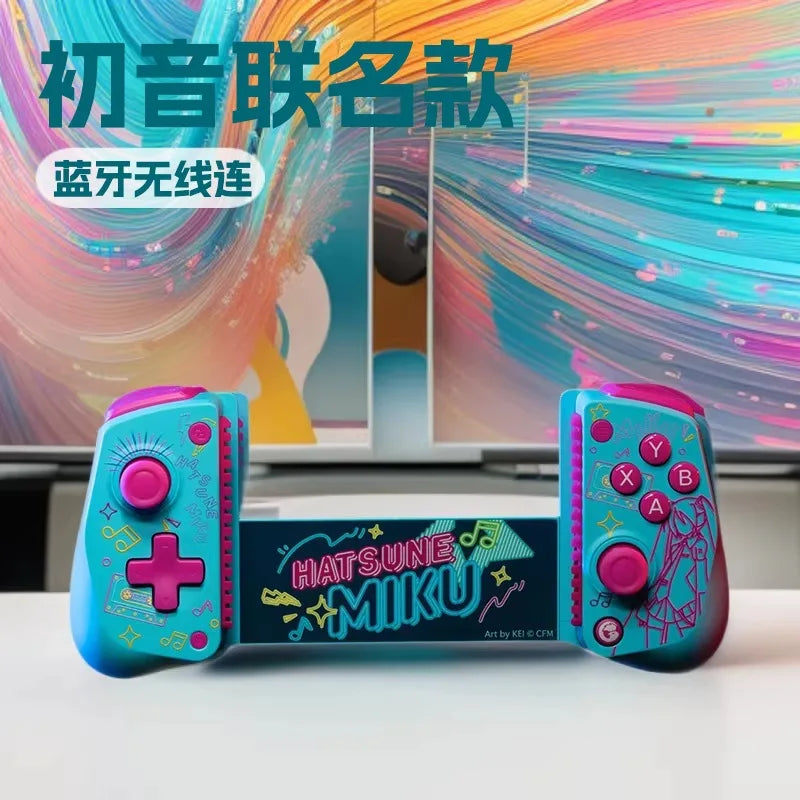
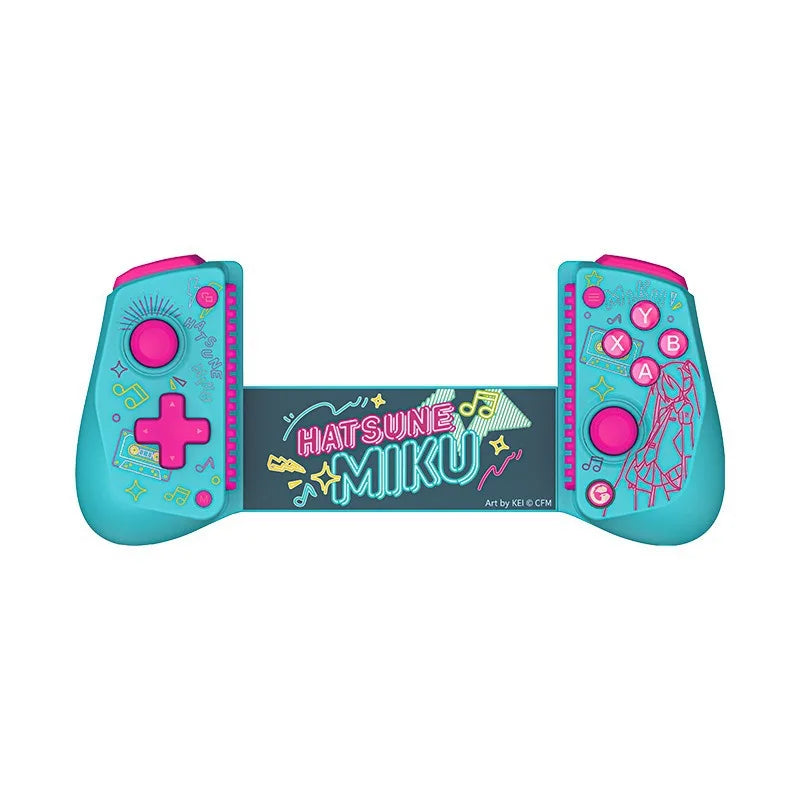
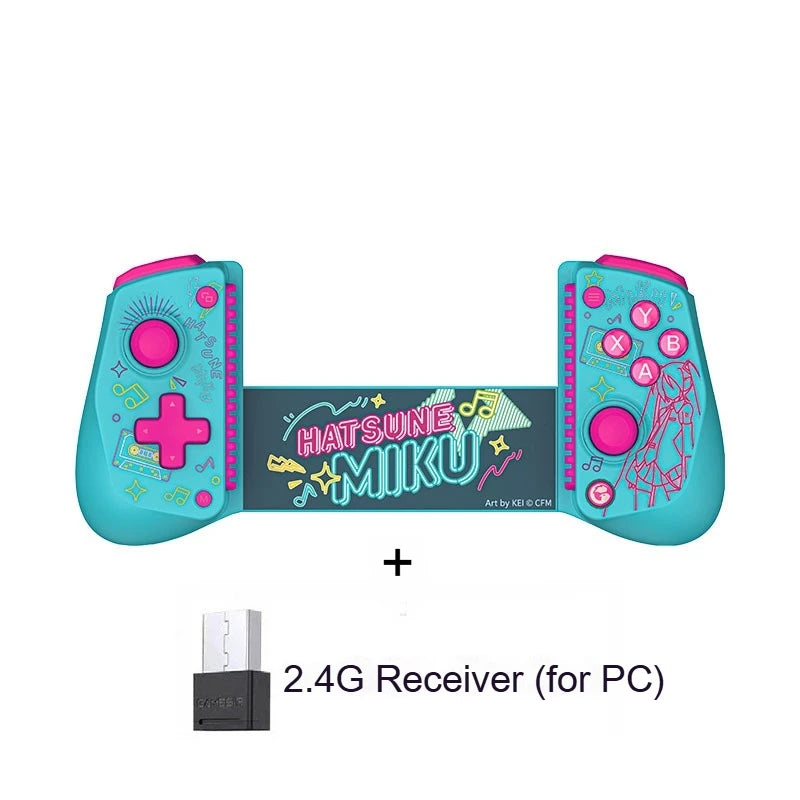
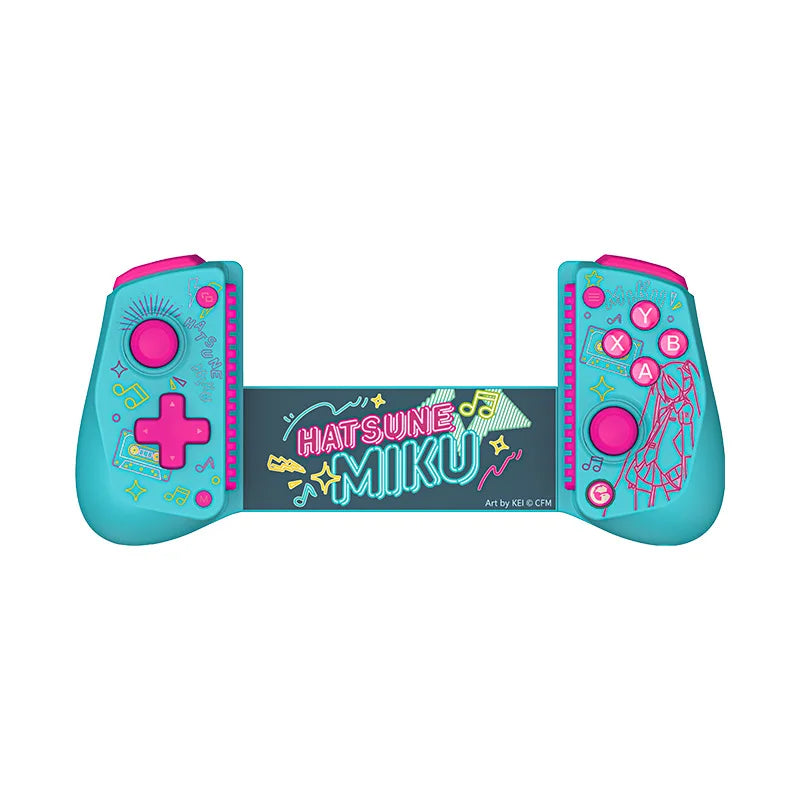
NEW GameSir X5S Wireless Bluetooth Gaming Controller MIKU Co branded Custom Version For Switch 2 Android IOS Tablet Gamepad
SPECIFICATIONS
Applicable products: Mobile phones, tablets.
Battery Included: No
Compatible Brand/Model: Mobile Device
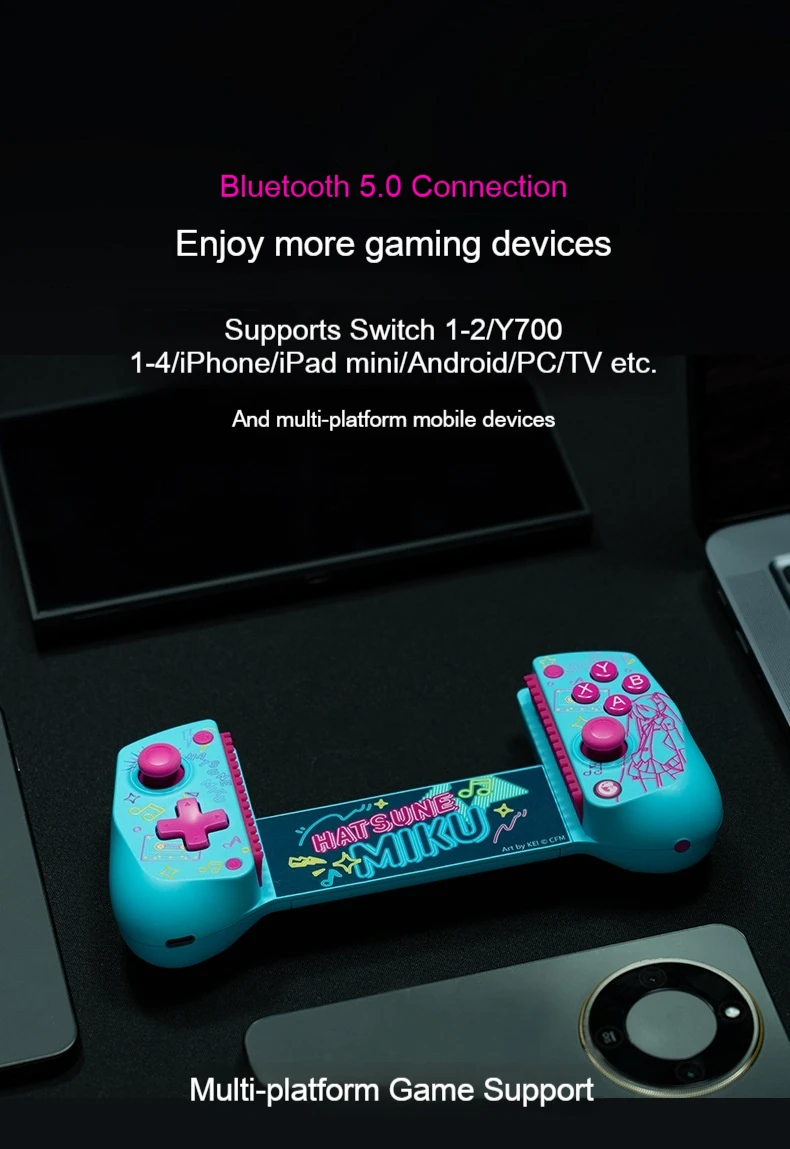
Compatible Platform: Android,iOS
High-concerned chemical: None
Interface Type: Bluetooth,Type C
Mobile Device Model: ipad
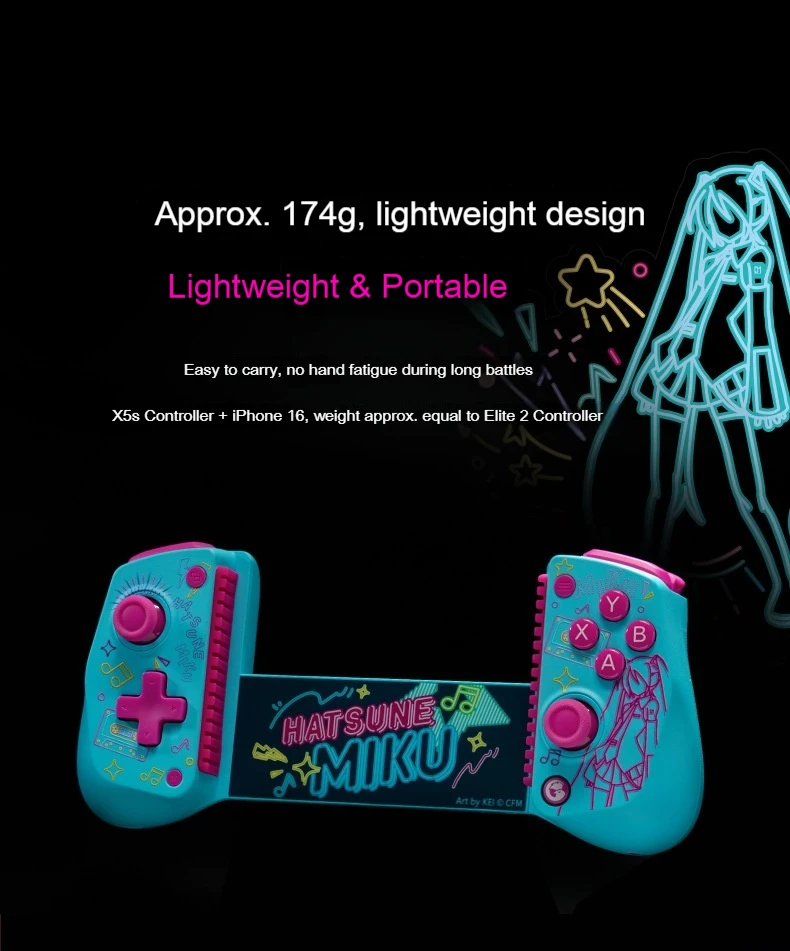
Model: X5S Hatsune Joint Edition
Package: Yes
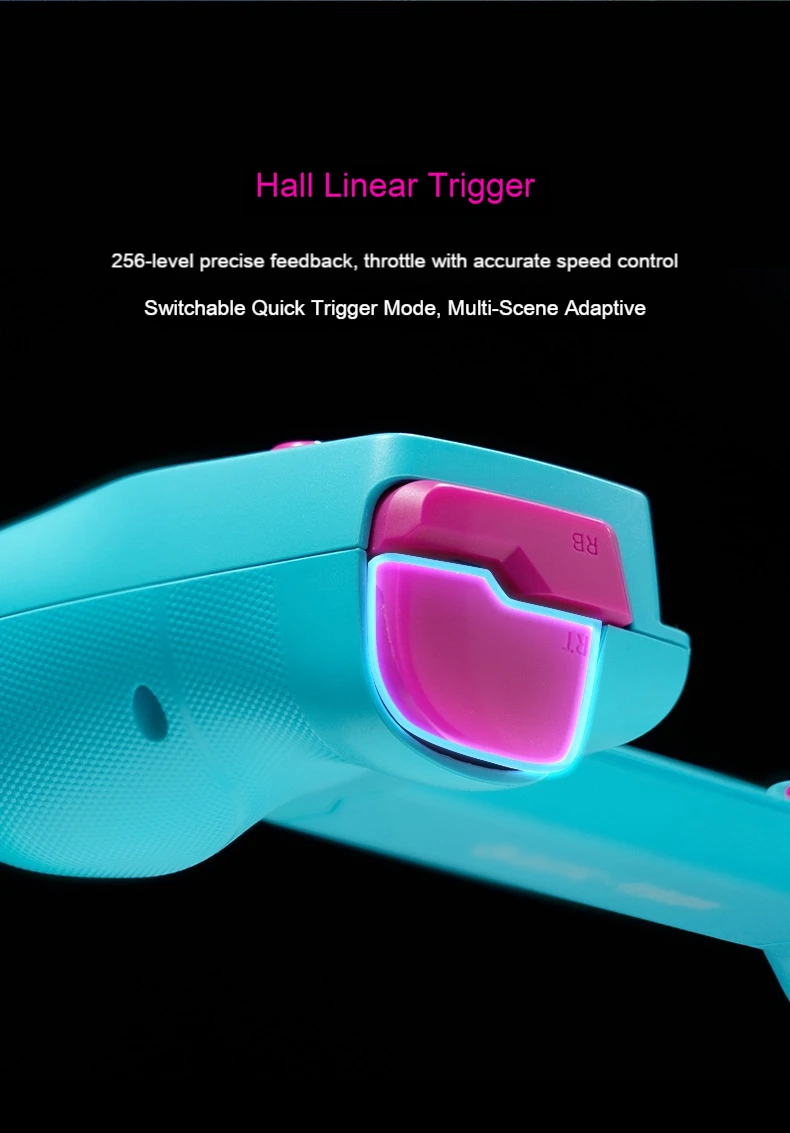
Trigger Button Type: Hall-Linear
connection method: Bluetooth
interface type: TYPE-C
material: ABS
use object: PC, iPhone, SWITCH, Android Phone
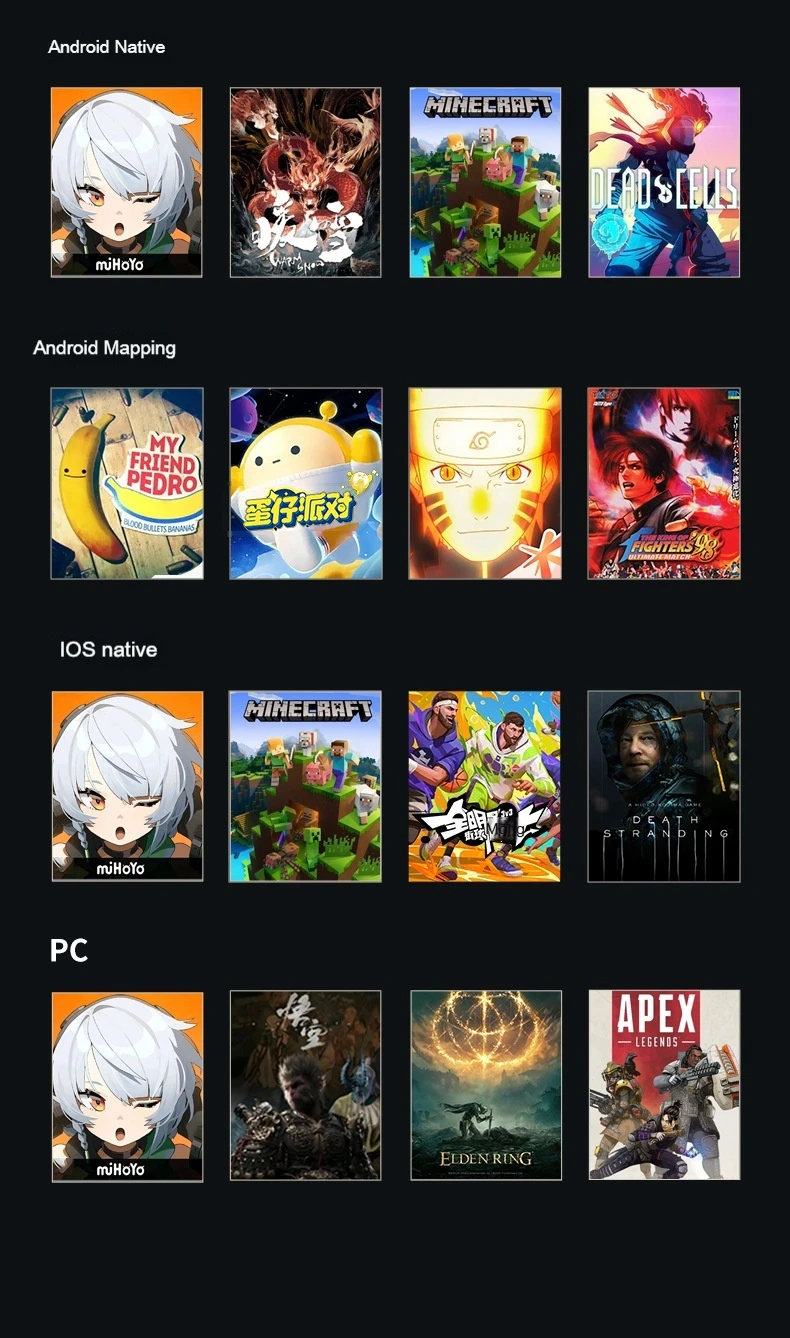
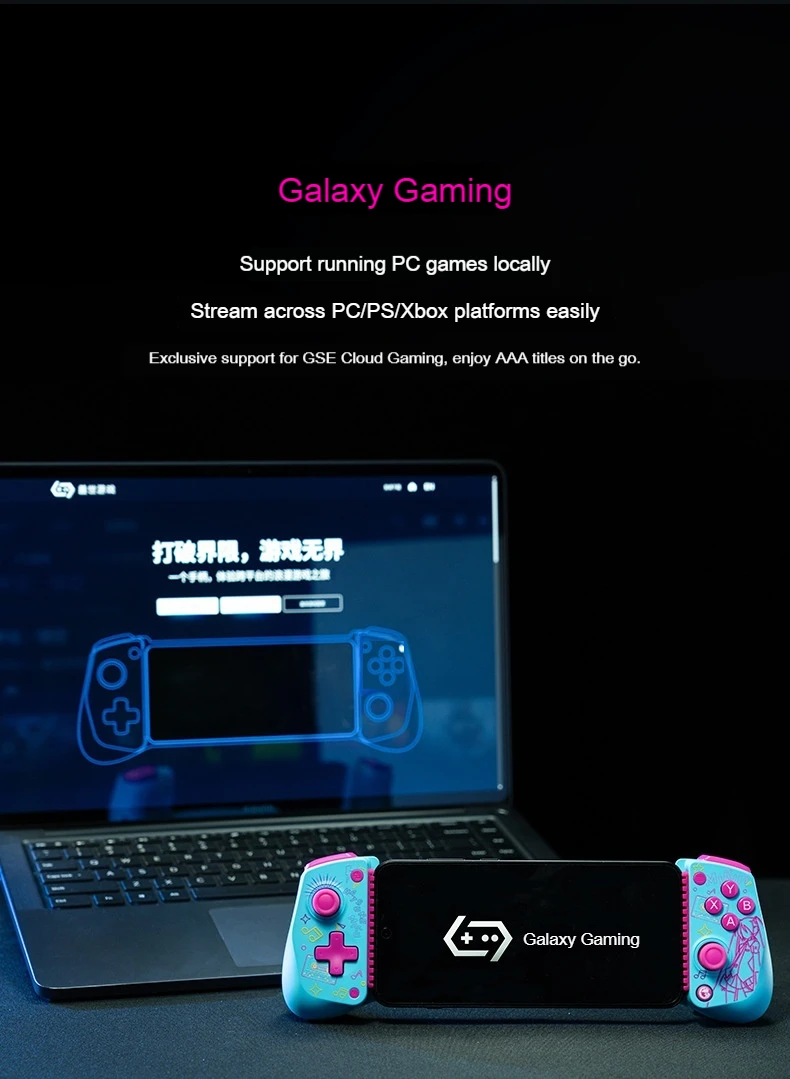
1. Support Android to play native controller games directly
2, Support Android G-touch to play non-native games
3, support iOS end game play native controller game
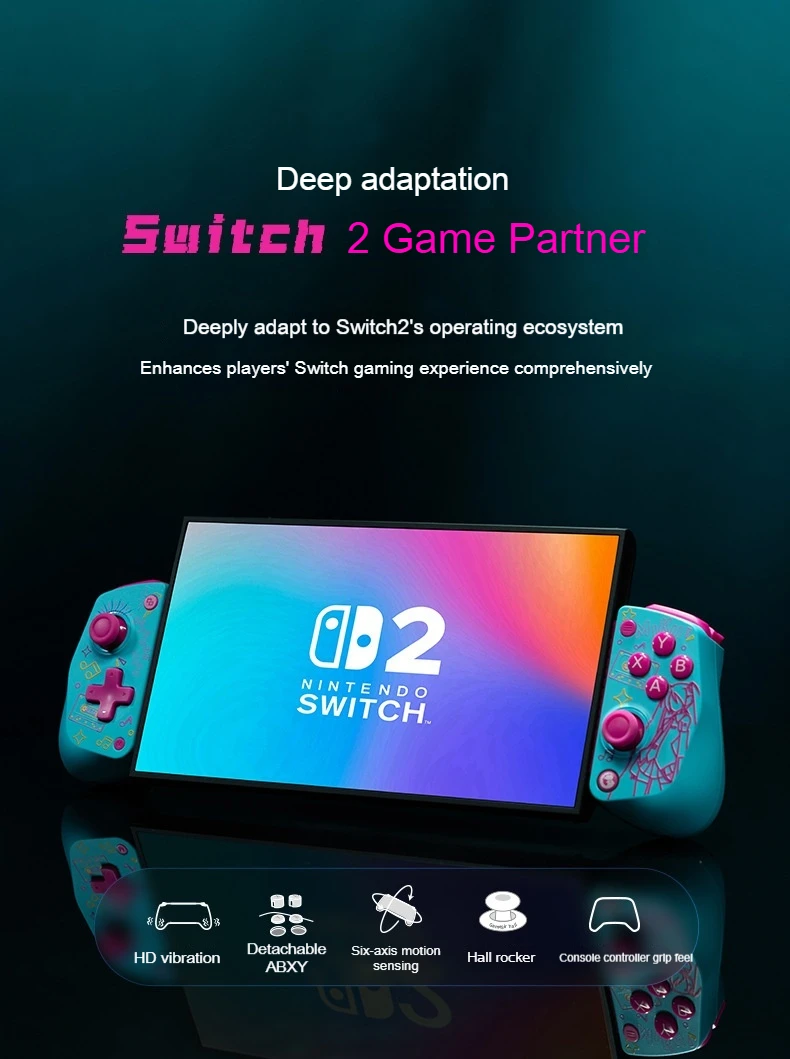
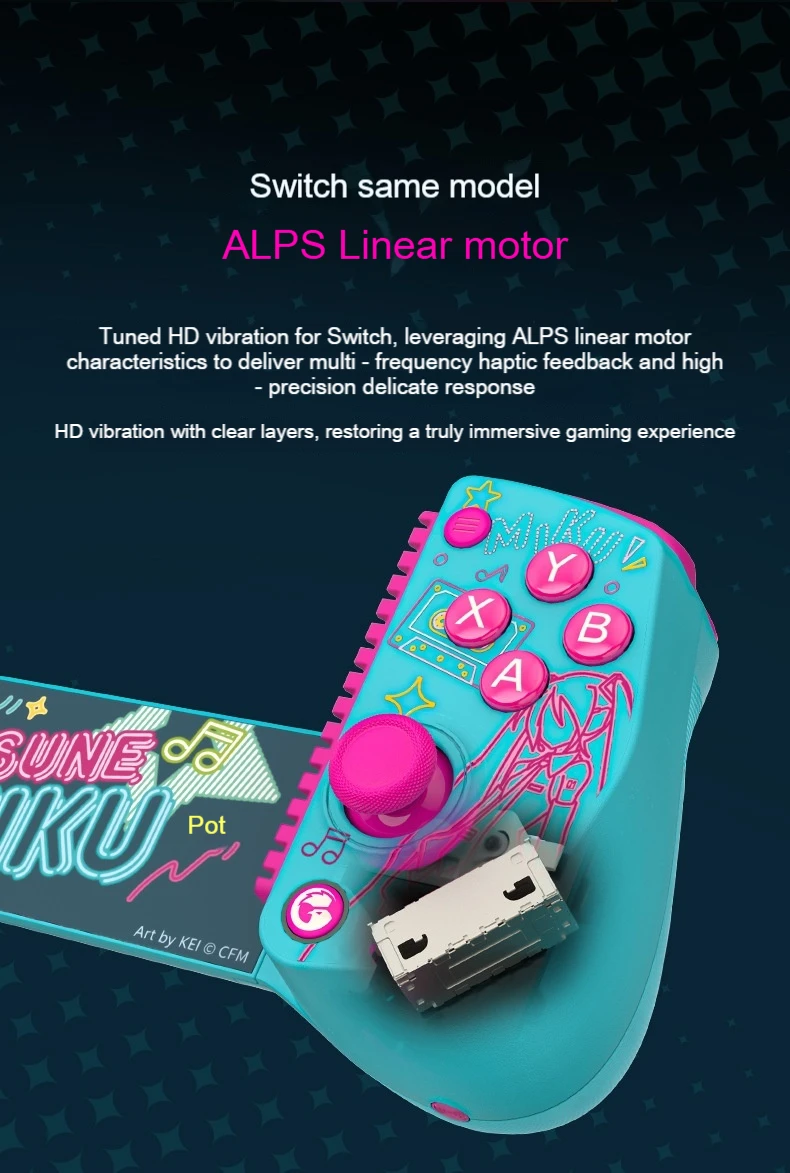
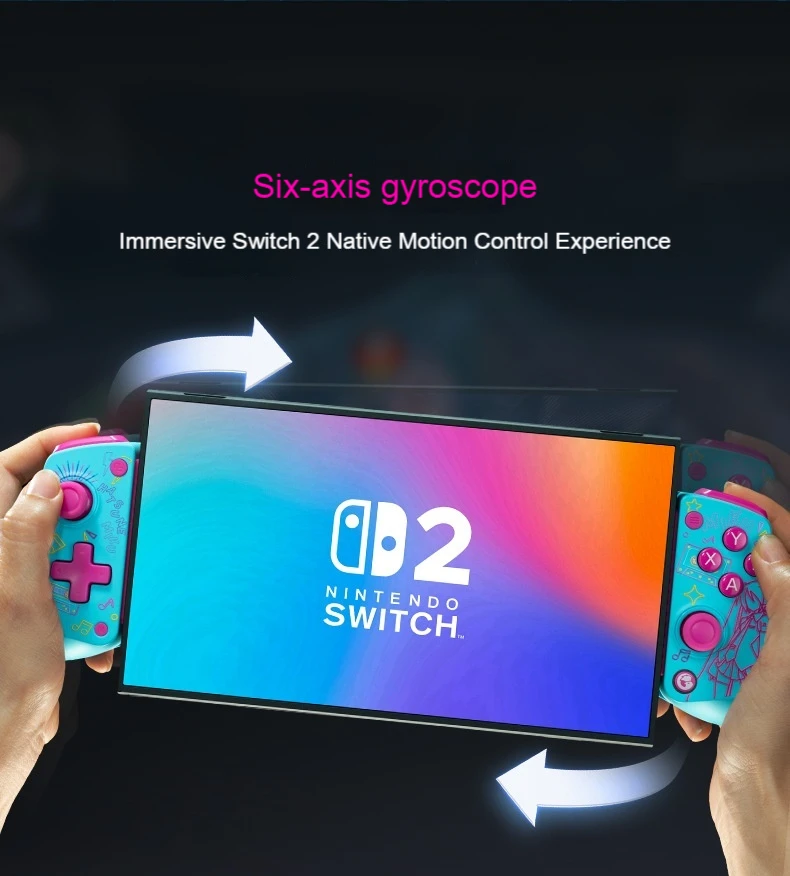
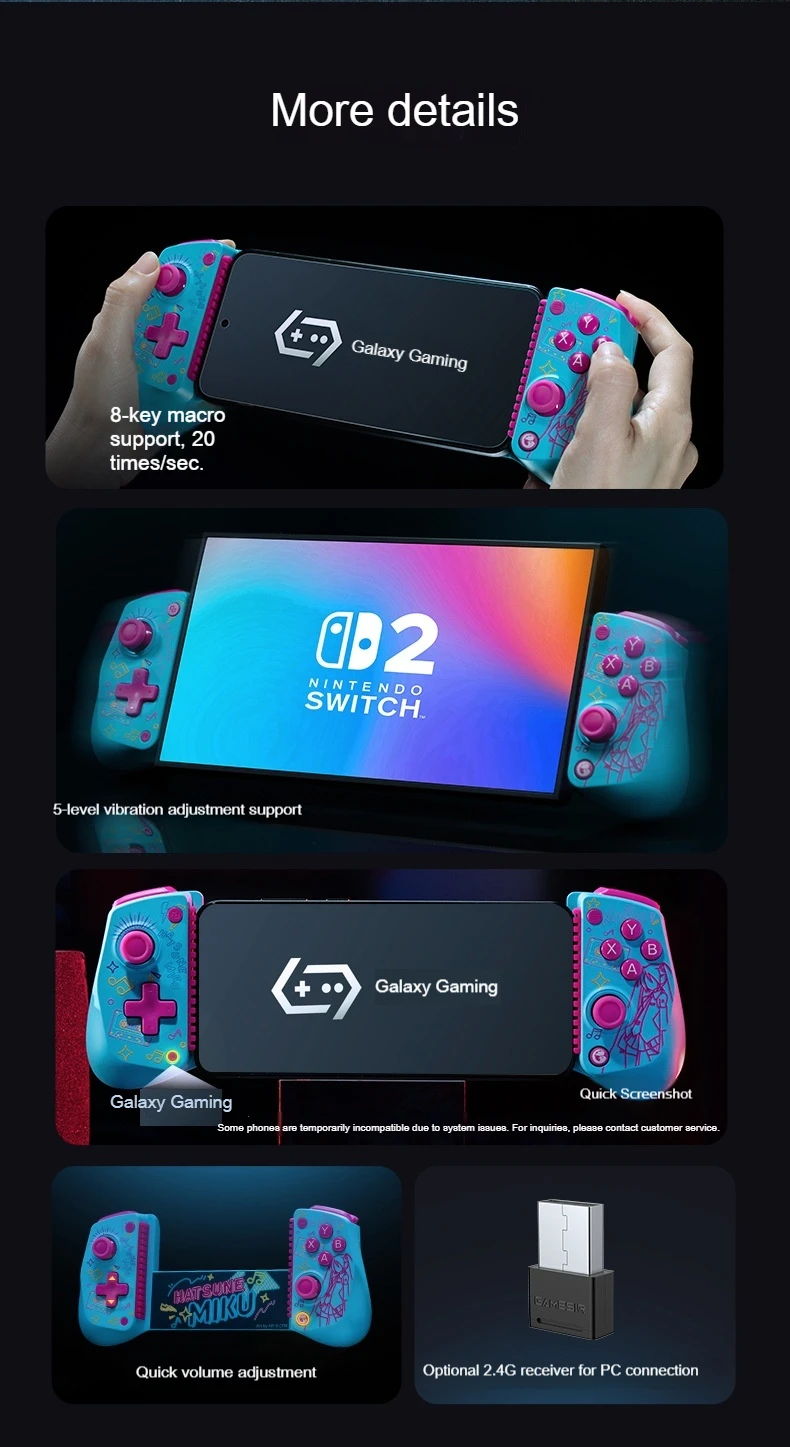
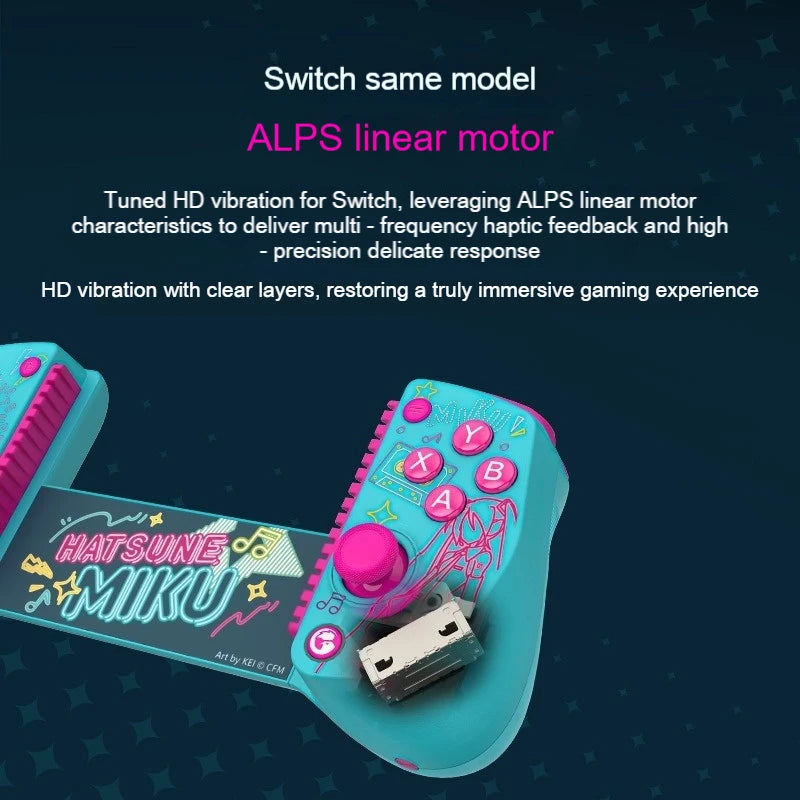
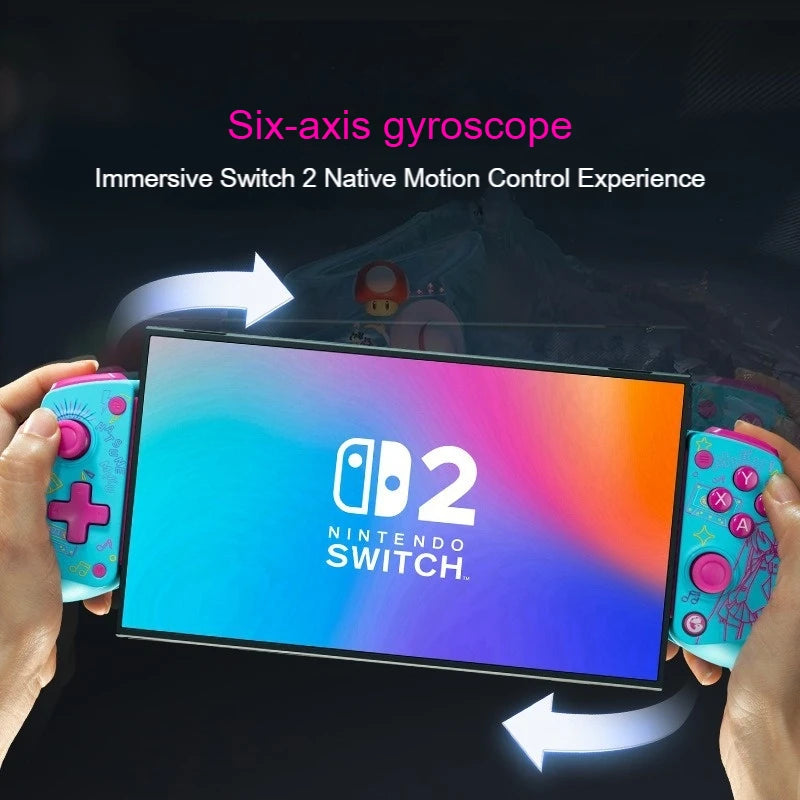
4, Support connection Switch platform, support gyroscope and HD vibration
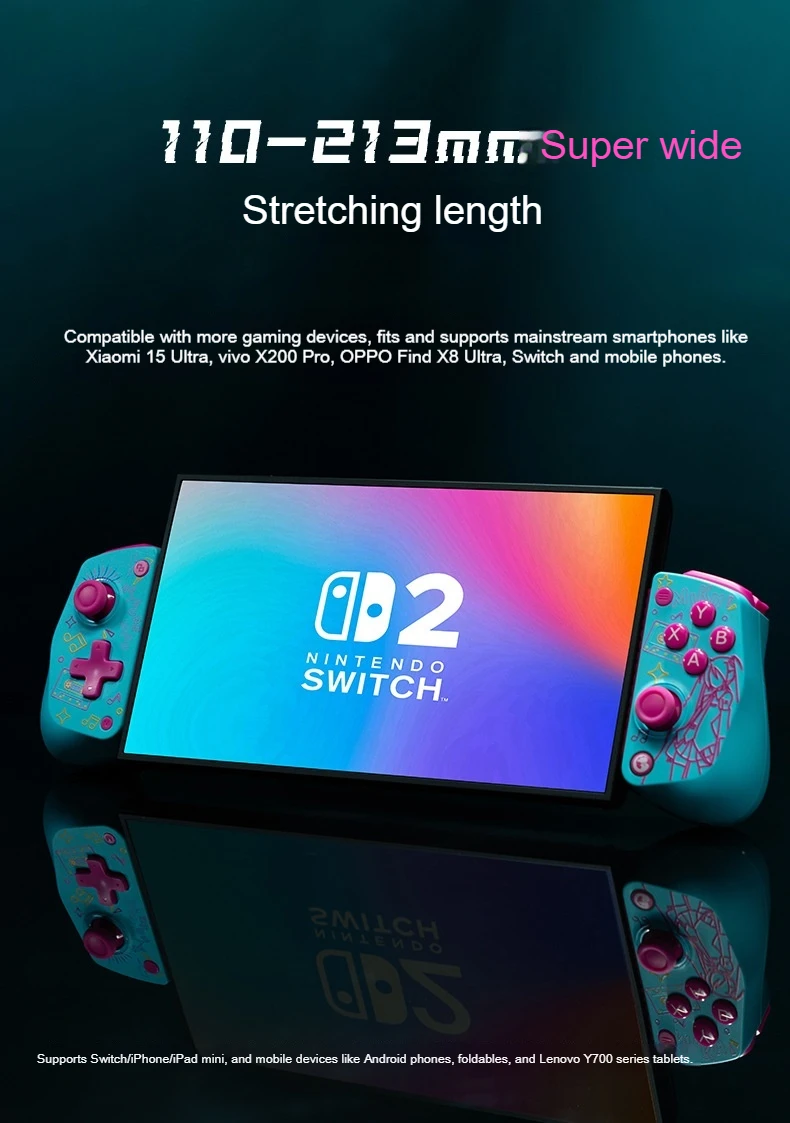
5,213Mm ultra-wide stretch length, suitable for mobile phones of different lengths
6, ALPS linear motor, delicate vibration
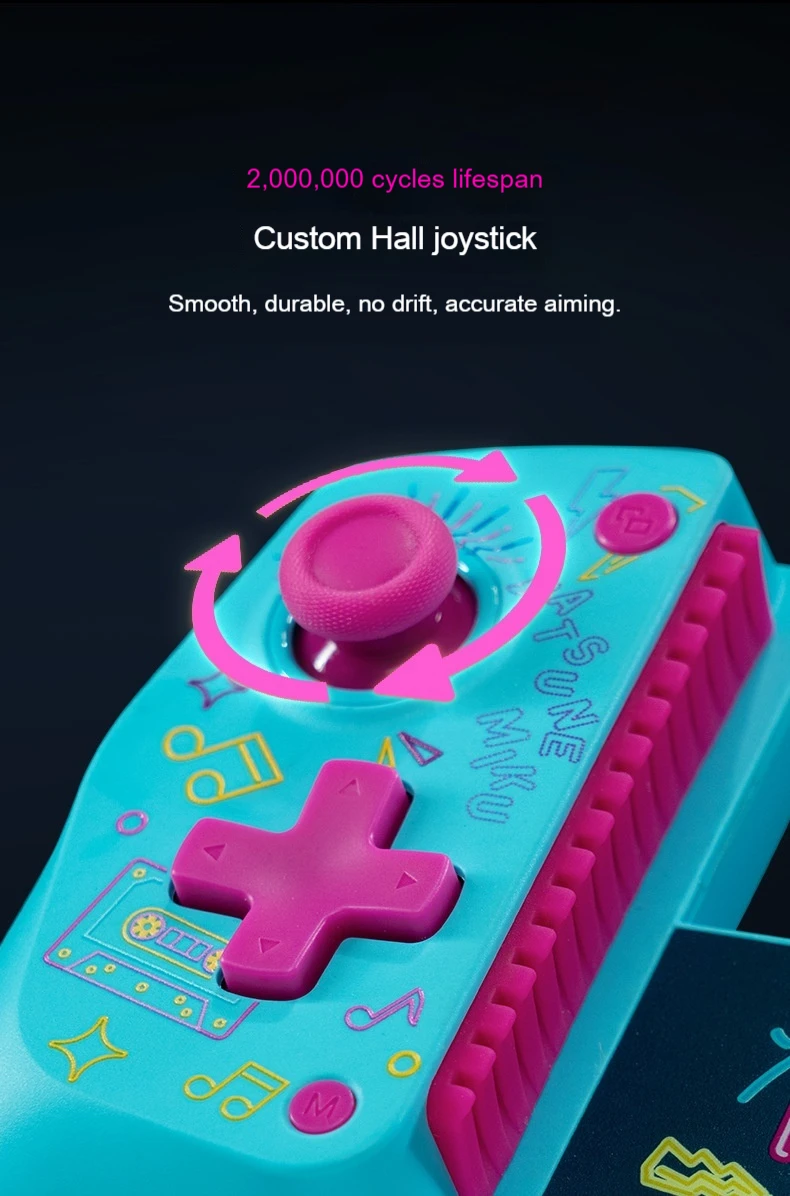
7, Hall rocker, smooth and durable, with a lifespan of up to 200W times.
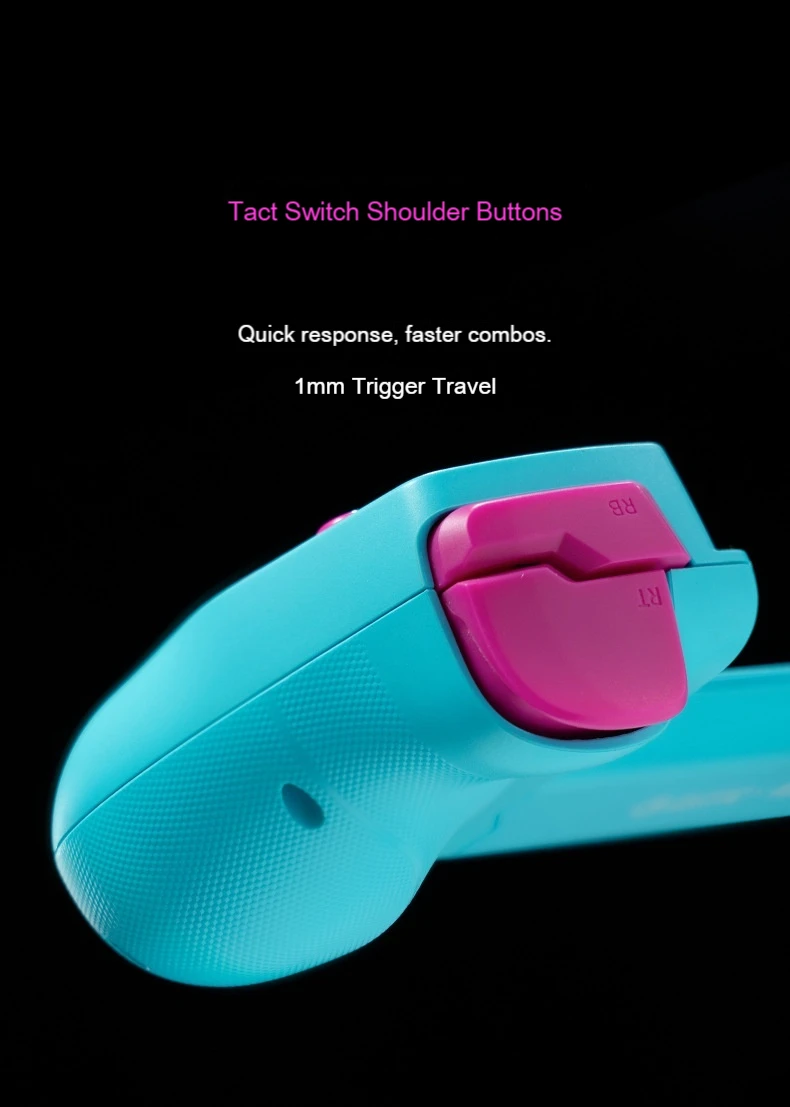
8, Hall linear trigger, silky feel
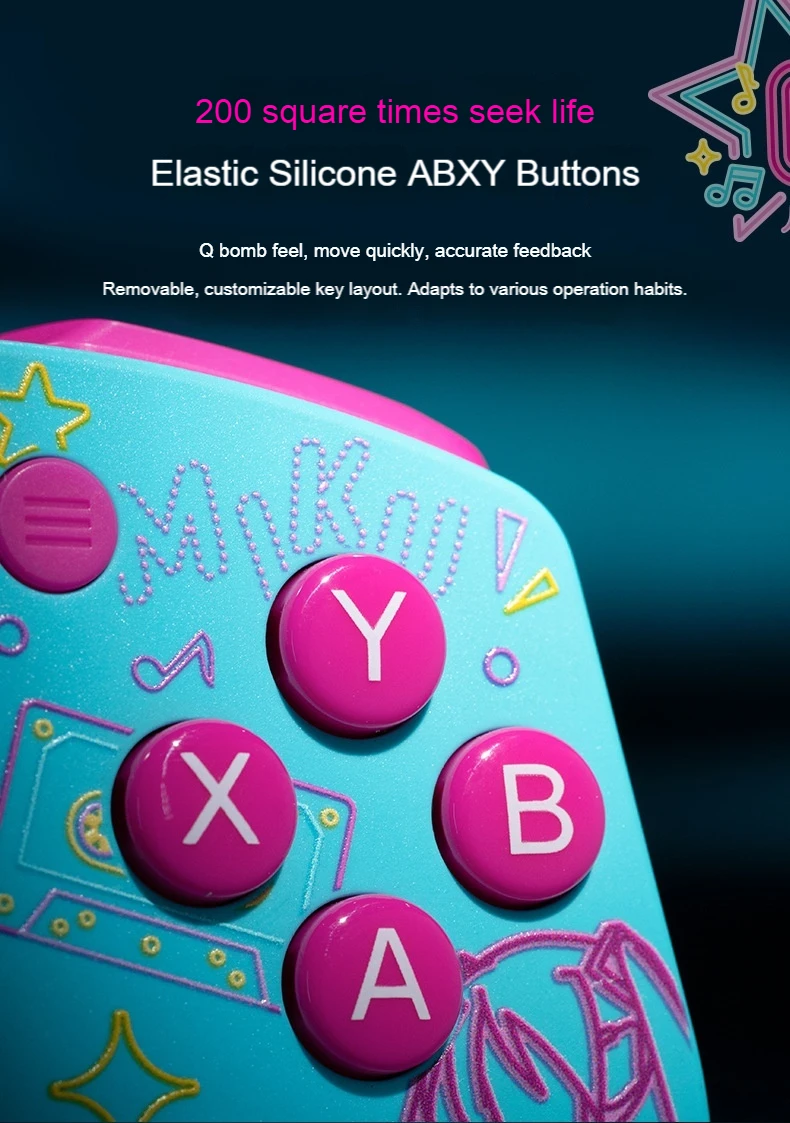
9. Removable and replaceable high-life elastic silicone ABXY key
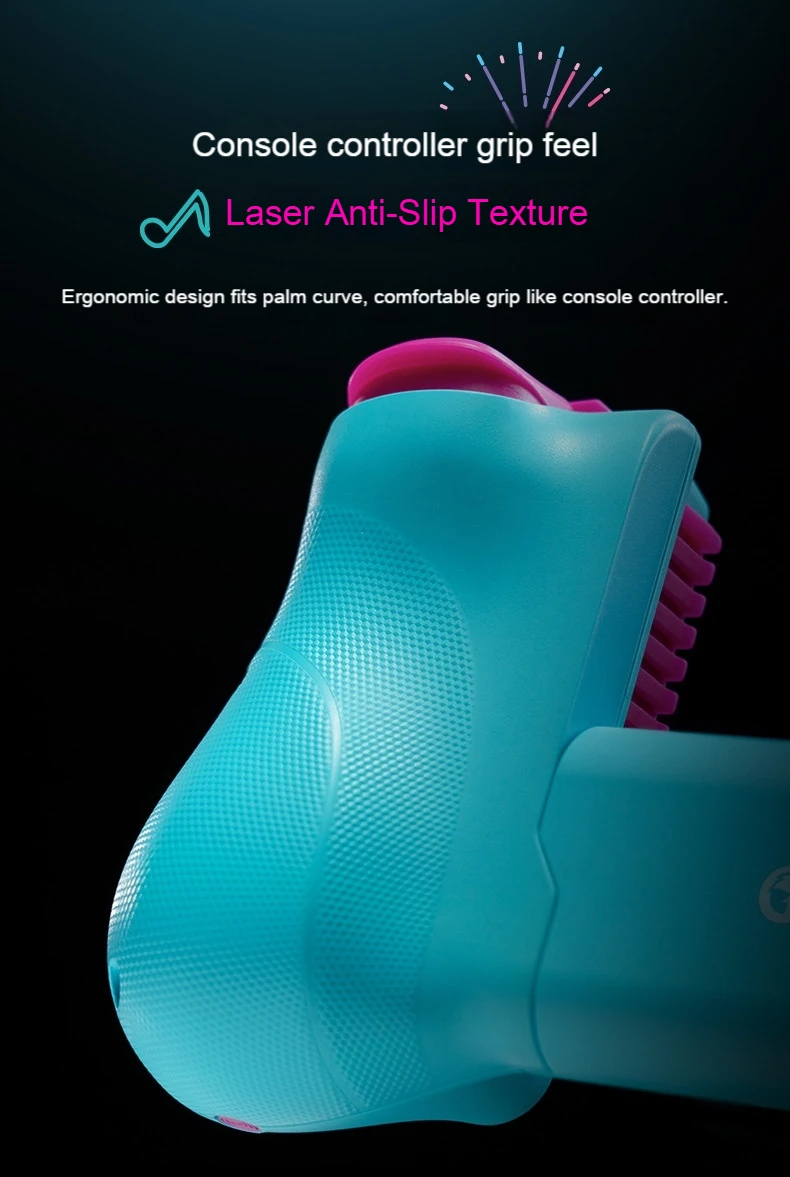
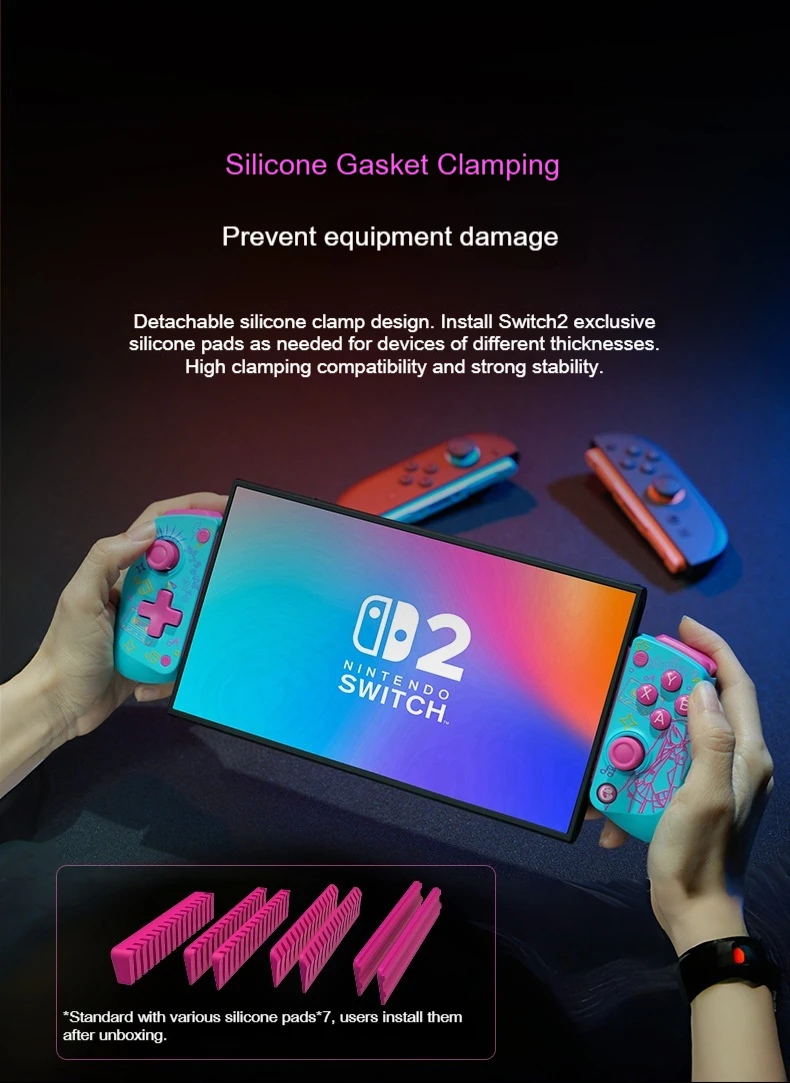
10. Silicone gasket is used at the clamping place to avoid damage to the mobile phone
11, support G8 + receiver (optional)
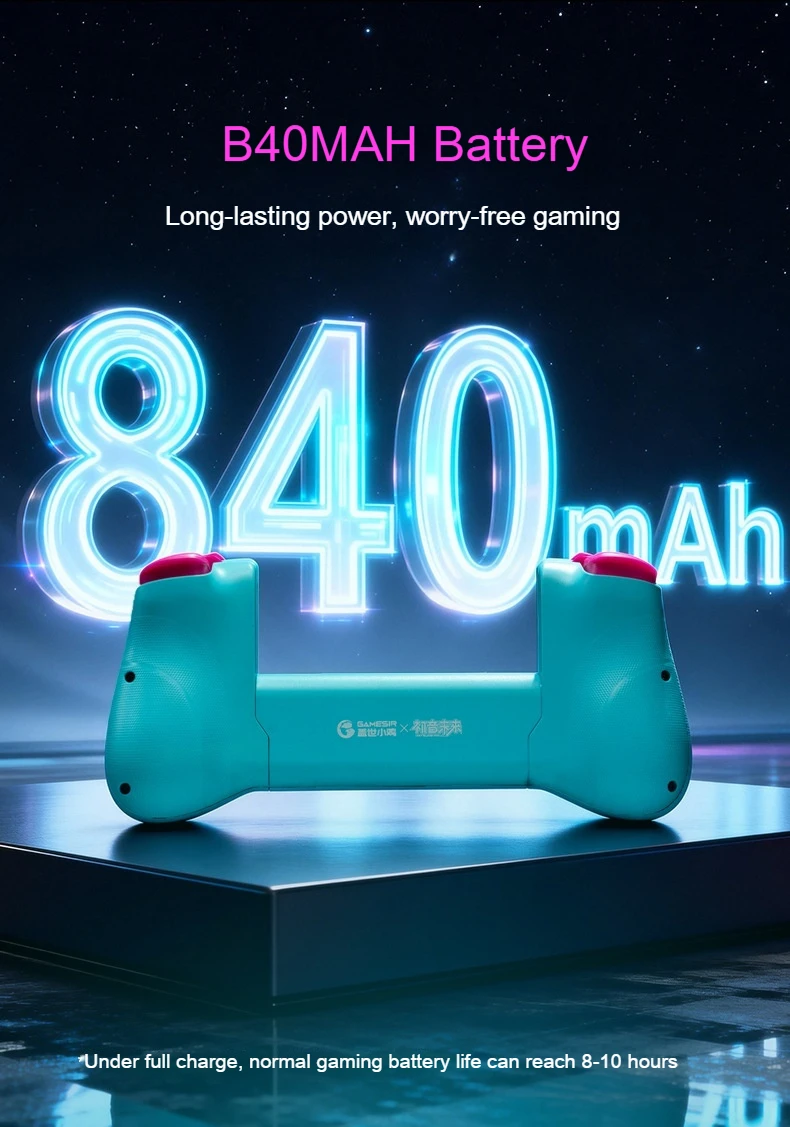
12, Dual 420mAh batteries
Connection method, wireless
Adapt to platform Android, iOS
Support protocol XInput/DS4/Switch/DInput
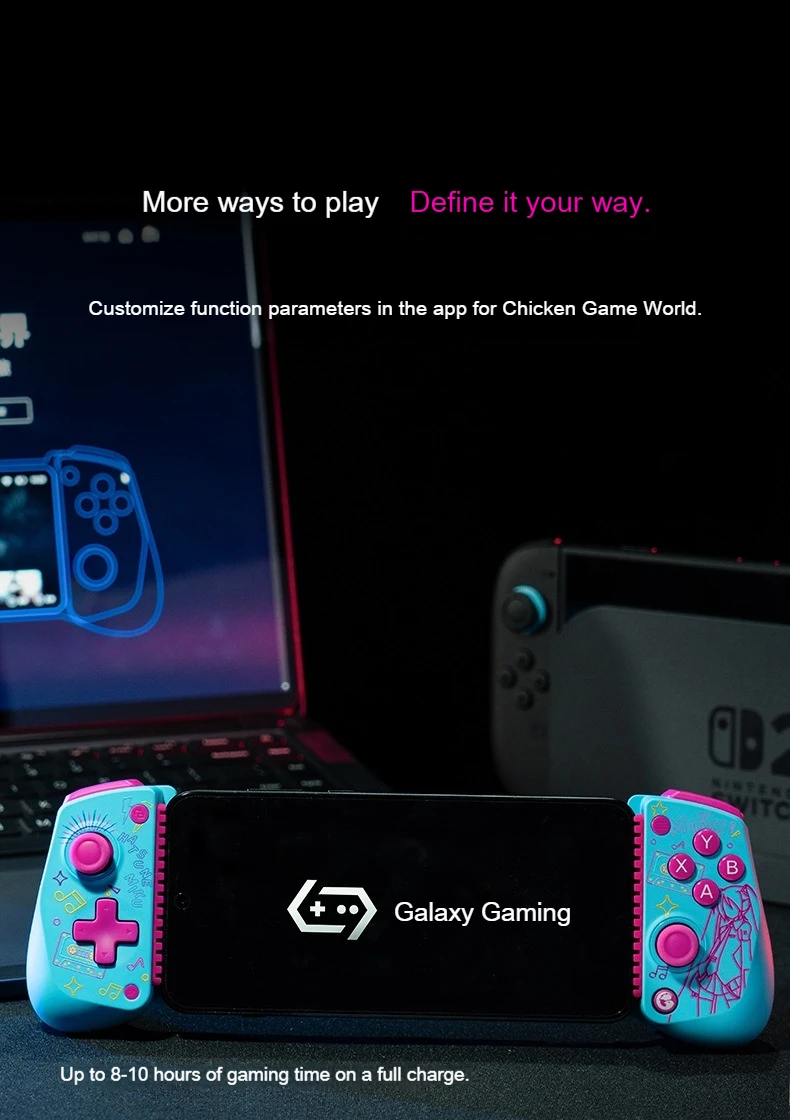
Dedicated/Auxiliary APP Chicken Game World
Gyroscope, yes.
Vibration motor (grip) Yes
Vibration motor (trigger) None
Rocker type GameSir customized Hall rocker 2, with down pressure
Somatosensory control, yes
NFC None
Custom keys, none
Key Layout Xbox Layout (Removable Replacement Layout)
| Patterns and platforms | connection method | connection mode | Corresponding key combination | Support Platform | |
| Wired | Automatic recognition mode, can be manually switched in turn, the order is XInput/Switch/DS4 | Wired first Press and hold the view key + menu key for 2 seconds to switch and loop to switch. |
Android /PC | ||
| Bluetooth | Bluetooth DS4 mode | Press and hold the pairing button and B for 2 seconds. | PC/Android/iOS | ||
| Bluetooth HID mode | Press and hold the pairing button and A for 2 seconds. | Android | |||
| Bluetooth Switch Mode (Default) | Press and hold the pairing button and Y for 2 seconds. | Switch/iOS | |||
| Bluetooth G-Touch mode | Press and hold the pairing button and RB for 2 seconds. | Android | |||
| Receiver (not standard) | Automatic recognition mode, can be manually switched in turn, the order is XInput/Switch/DS4 | Wired first Press and hold the view key + menu key for 2 seconds to switch and loop to switch. |
Android /PC | ||
| key combination function | function | explain | |||
| burst | Click M key + A/B/X/Y/LB/RB/LT/RT key | ||||
| Grip motor vibration intensity | Click M key + view key/menu key | ||||
| ABXY swap | Press and hold the M key + A key for 2 seconds. | ||||
| Rocker calibration | Press and hold for 2 seconds View button + Menu button + Home | ||||
| Gyroscope calibration | Press and hold the view button for 3 seconds + M | ||||
| volume adjustment | Home + Cross Up/Down | ||||
| screenshot | Double-click the M key | ||||
Note: The dimensions are all manually measured. Please understand if there are any errors. Due to different batch production, some parameters may change.